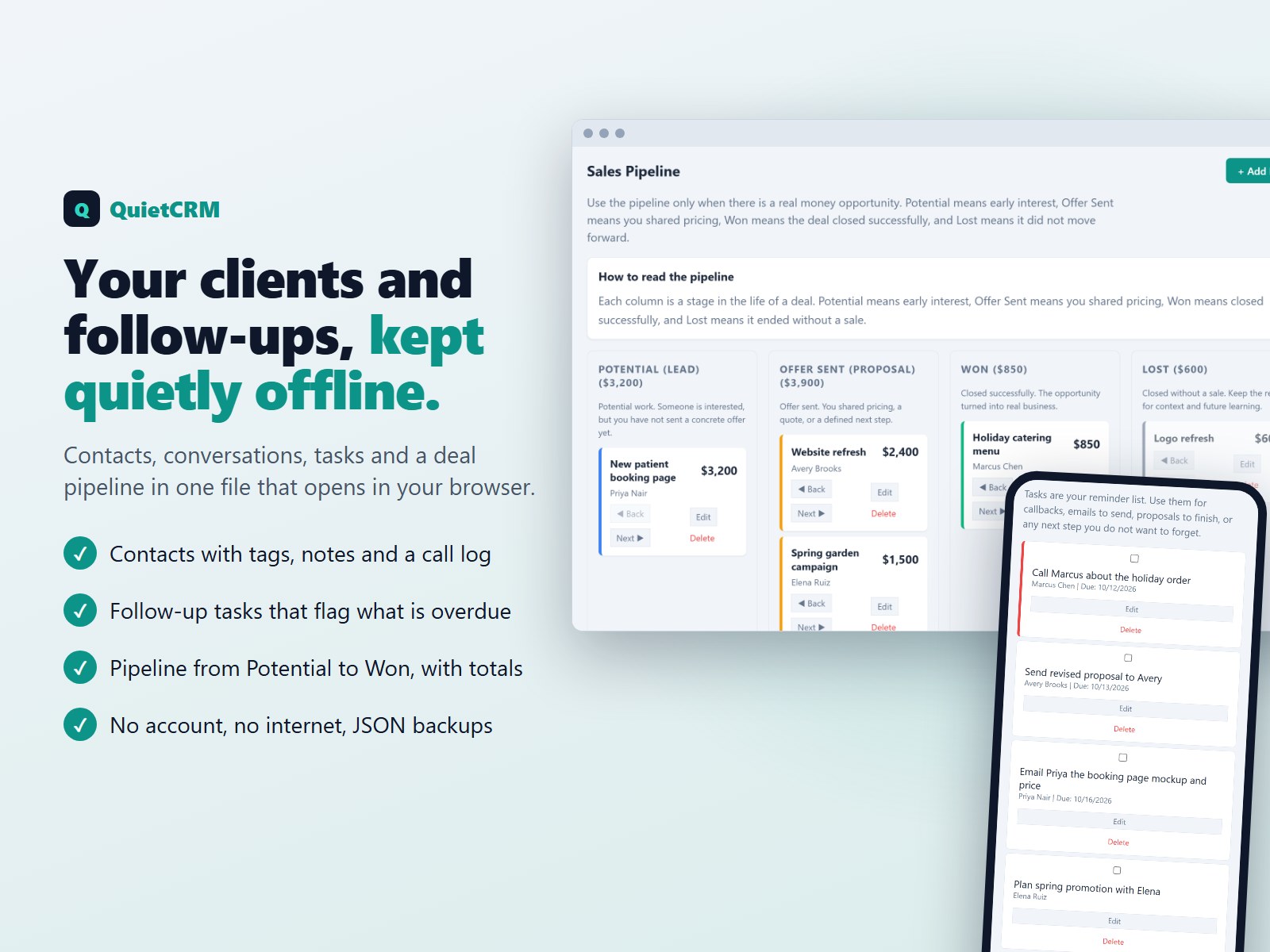
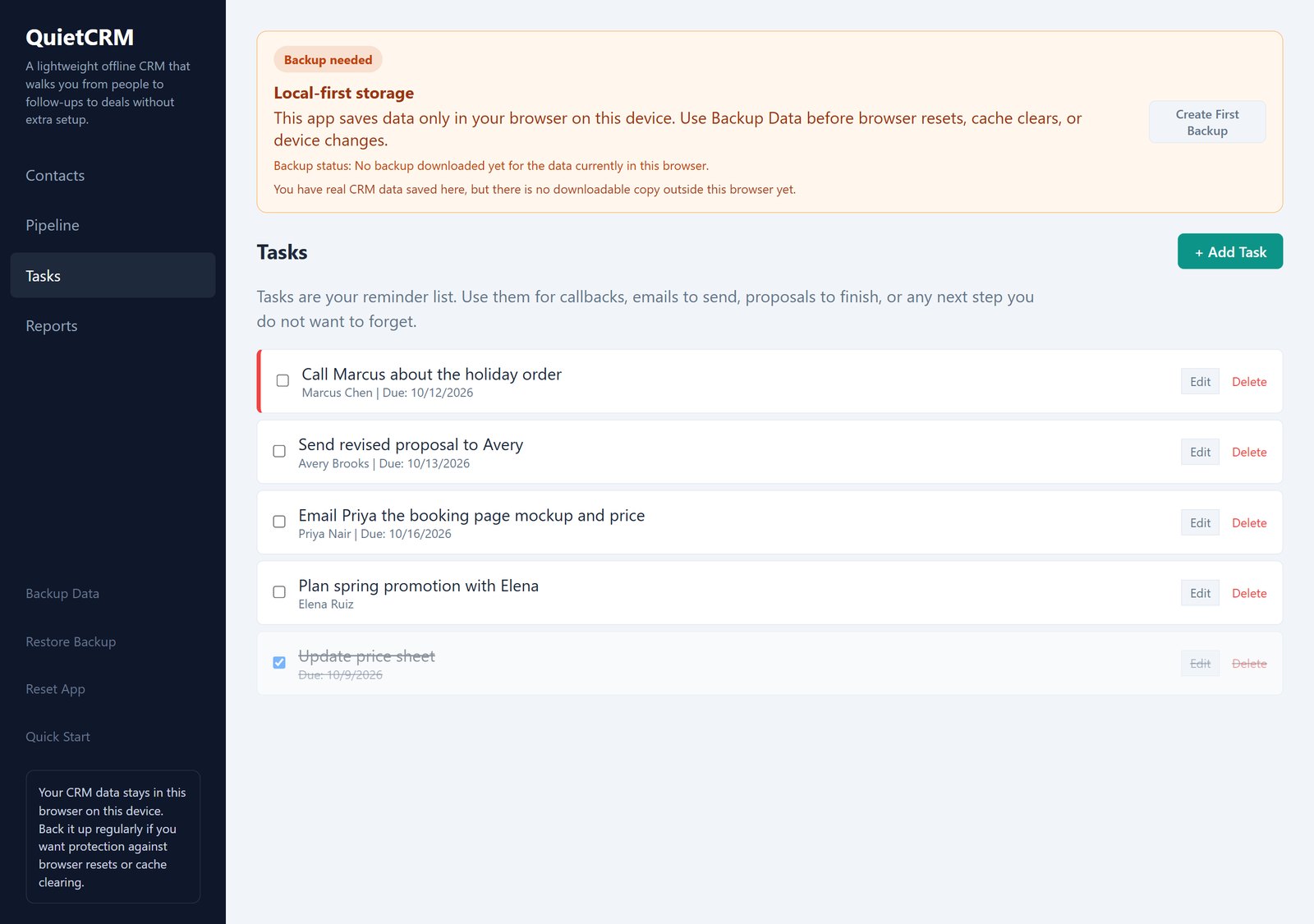
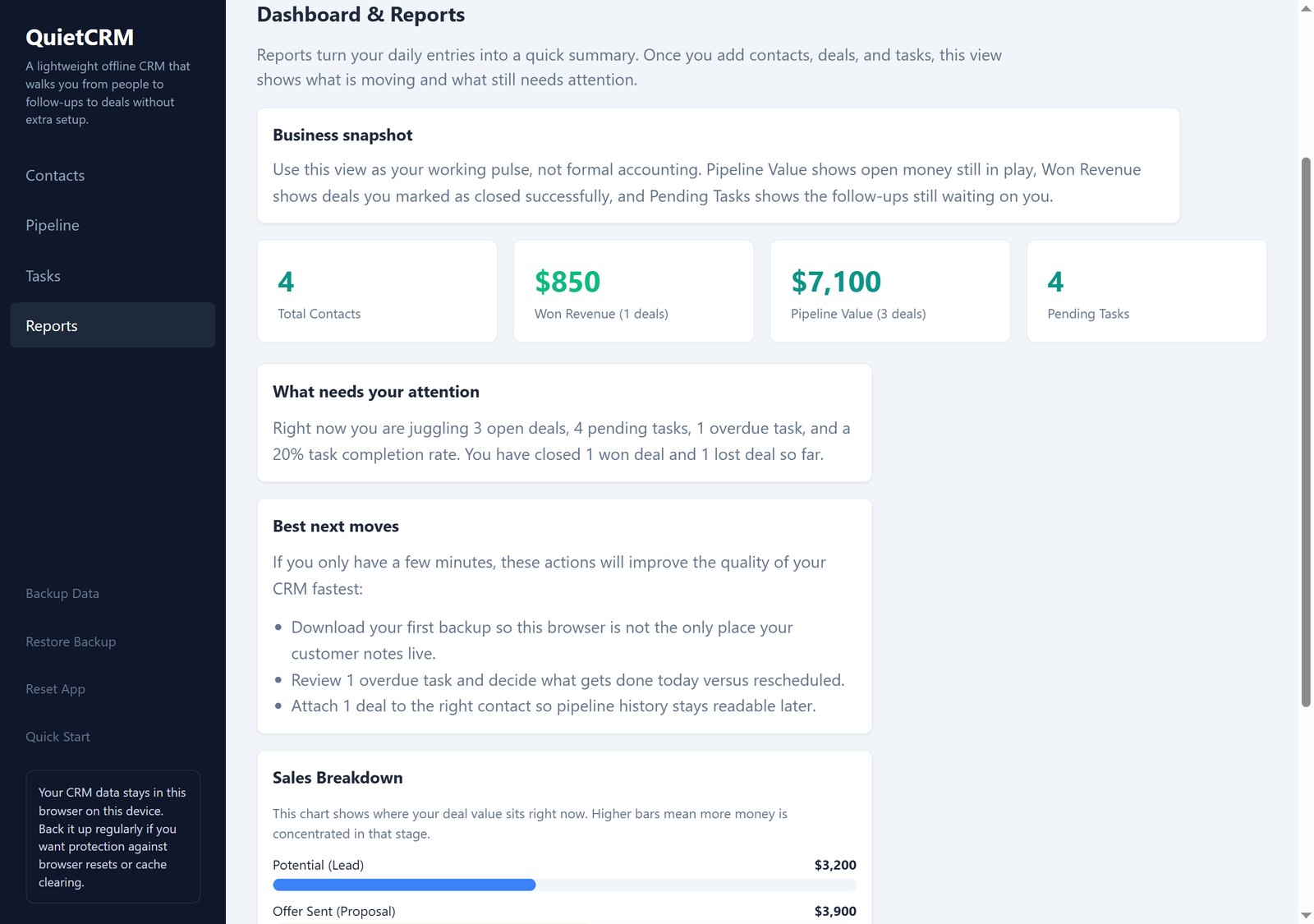
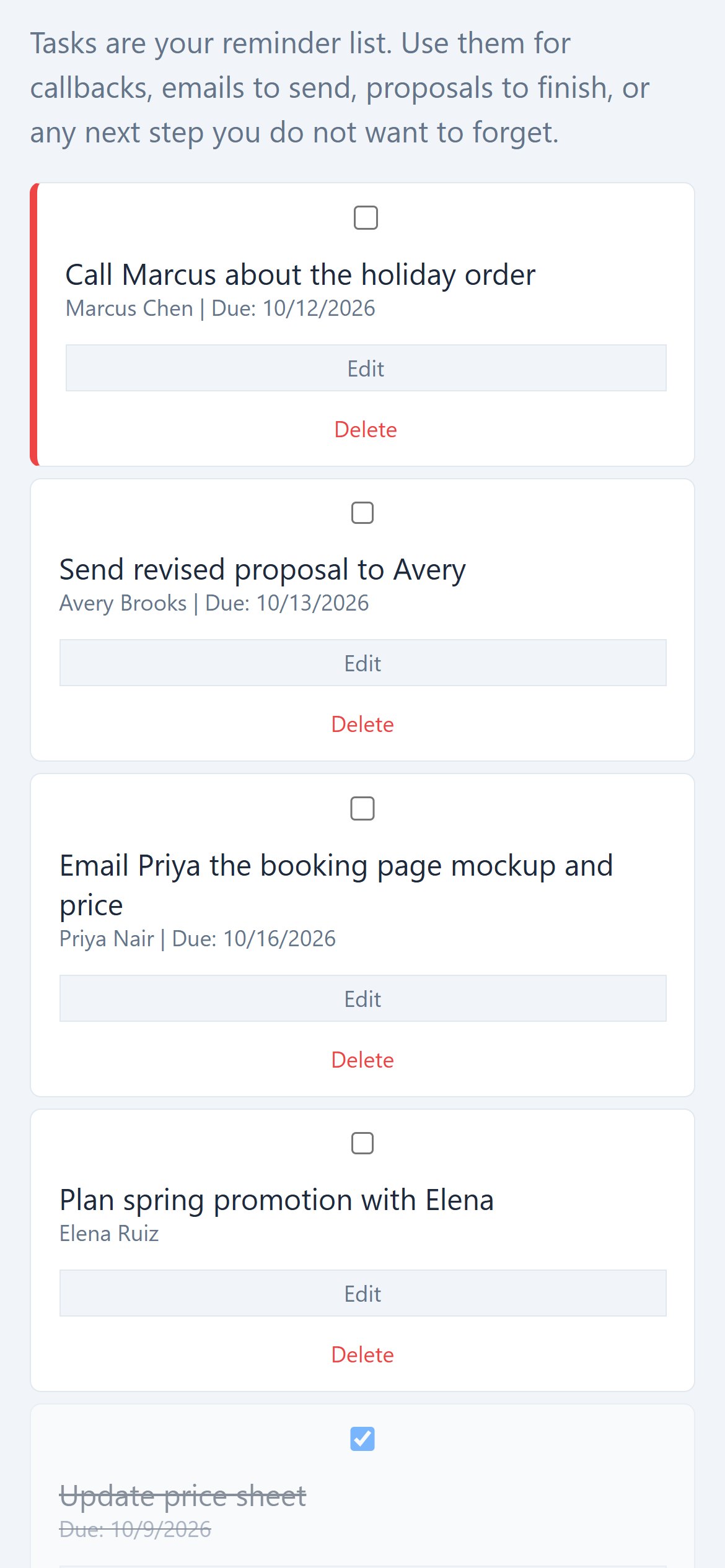
What you get: one file, itsmyCRM.html (about 77 KB), that opens in your web browser. Nothing to install, and no internet connection needed: it loads nothing from the web, and everything works offline. Designed for a computer screen; at phone width the menu and cards stack into one column. Tested in Google Chrome on a computer, at desktop and phone widths; it has not been tested on a real phone.
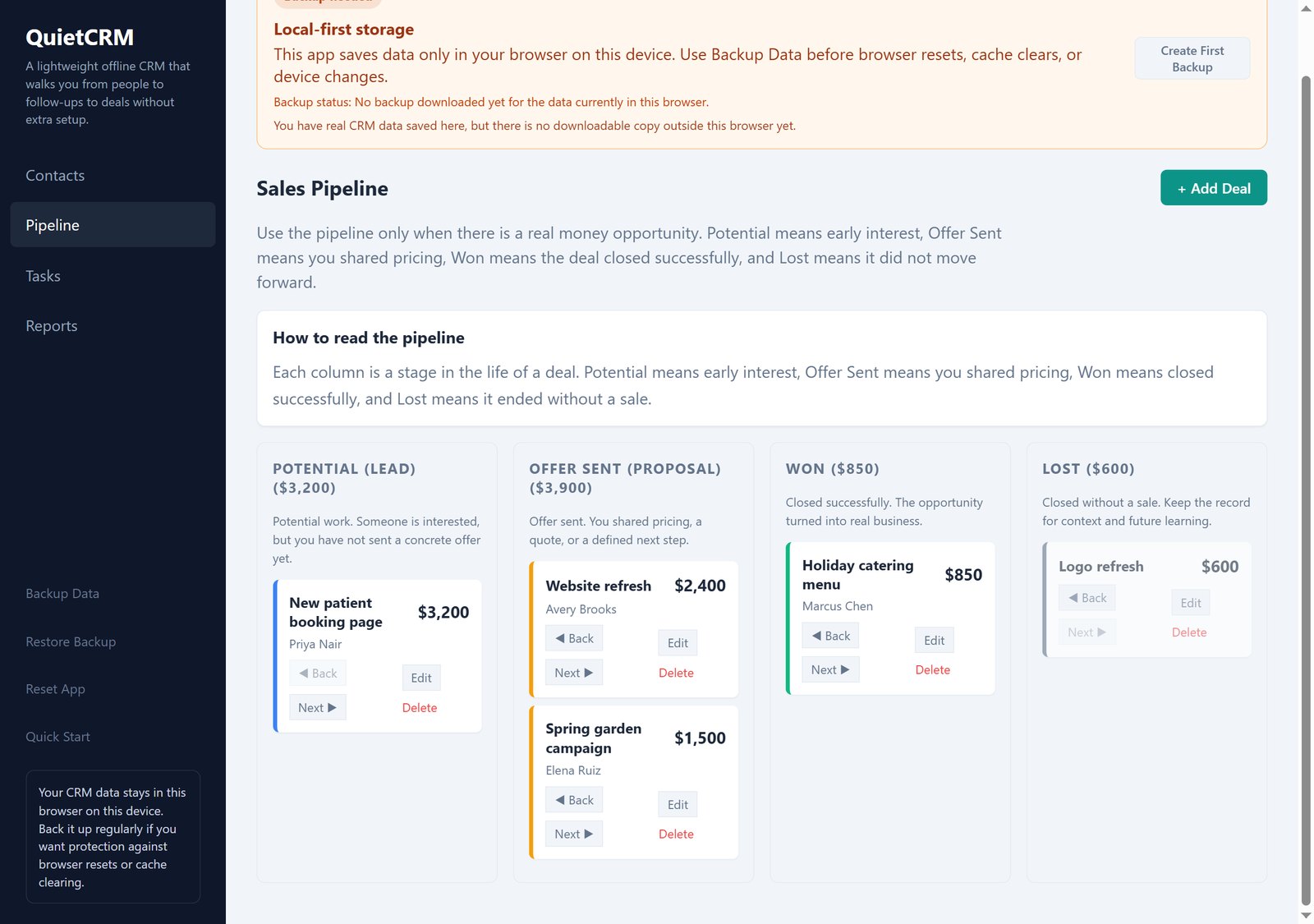
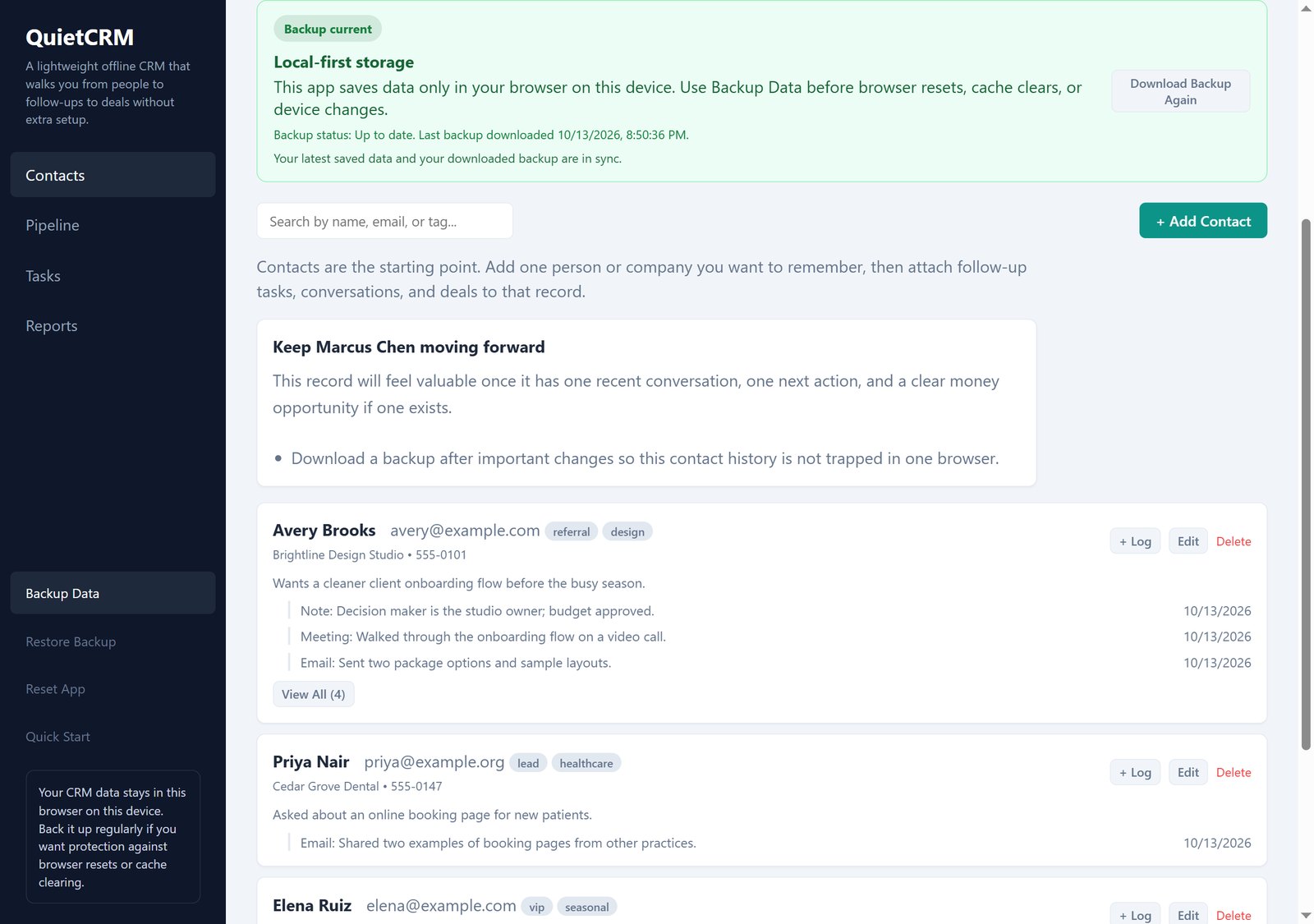
Quick start: 1. Save the file somewhere you will find it again (for example Documents) and double-click it. 2. Click Try Sample Data to look around, or Add First Contact to start with your own. 3. Use + Log on a contact after a call or email. 4. Add a task for the next step, with a due date. 5. Add a deal when there is real money on the table, and move it along the pipeline. 6. Click Backup Data now and then, and keep the file somewhere safe.
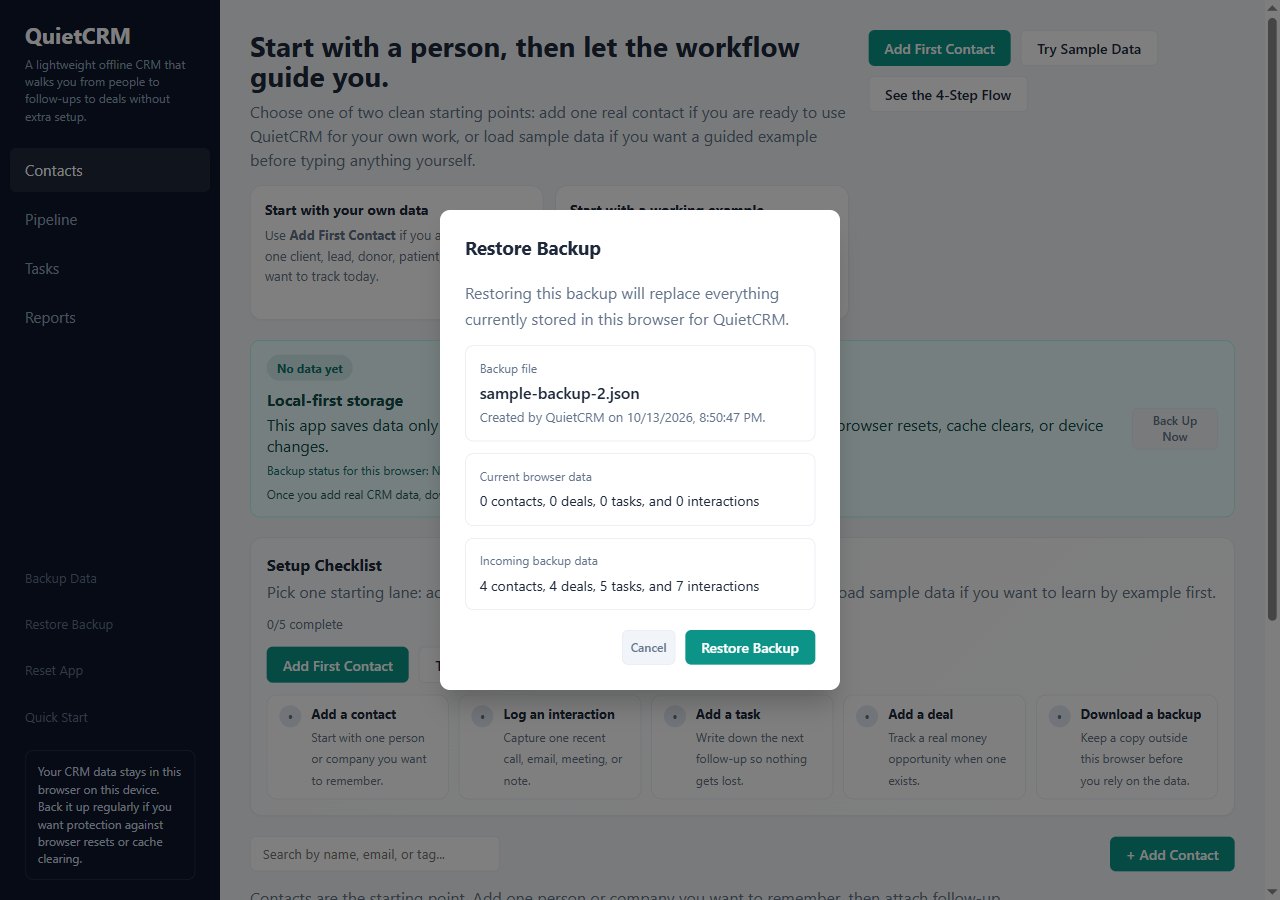
Good to know: QuietCRM is for one person in one browser: there is no sharing, syncing or email/calendar connection, and it does not send reminders; overdue tasks are shown when you open it. Your data lives in the browser you use, so clearing that browser's site data erases it: download a backup regularly. Restore replaces what is in the browser with the backup (it does not merge two sets of data). Backups are JSON files; there is no CSV or spreadsheet export. Conversations are dated when you log them. Deal values are in dollars.