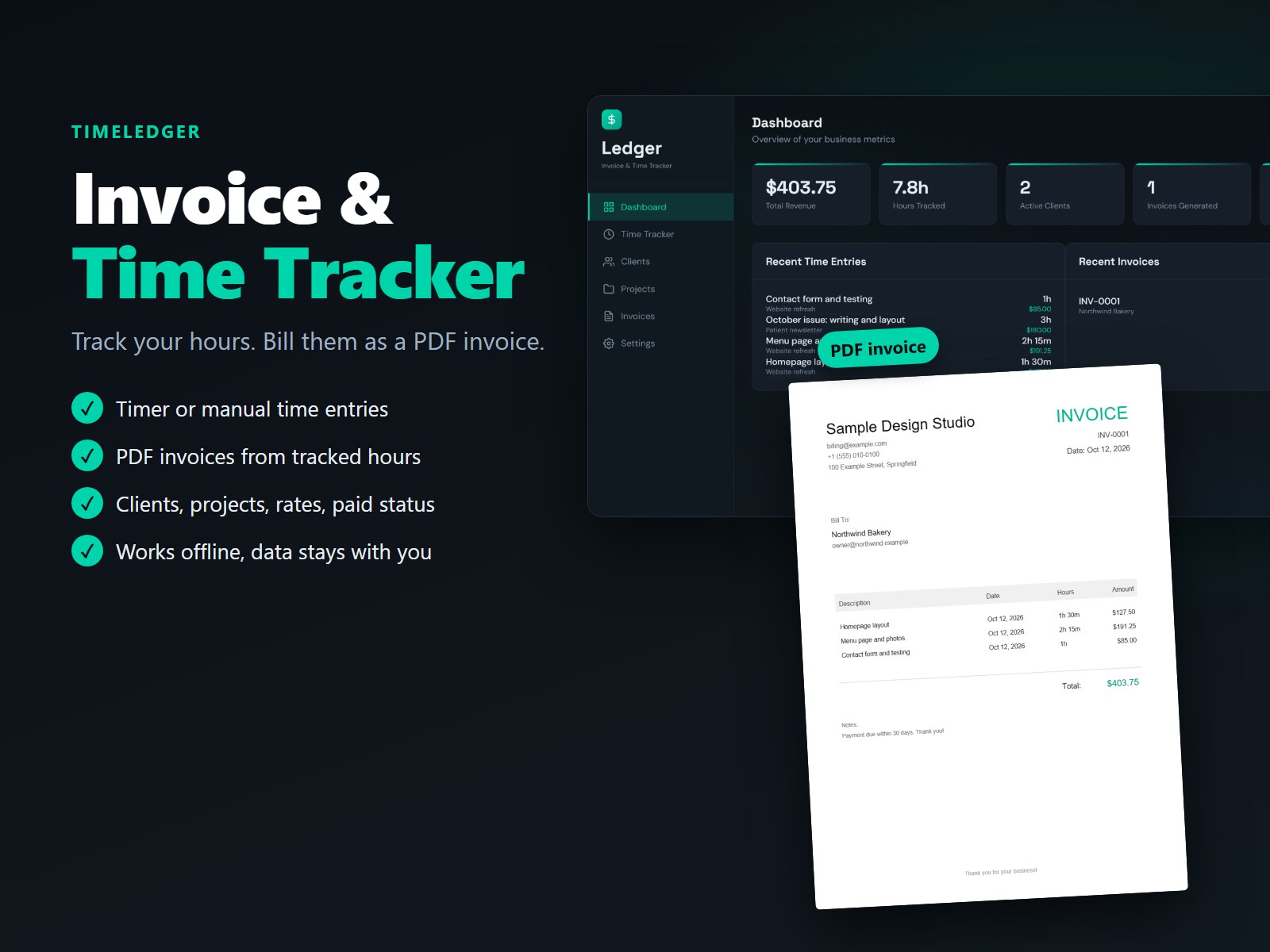
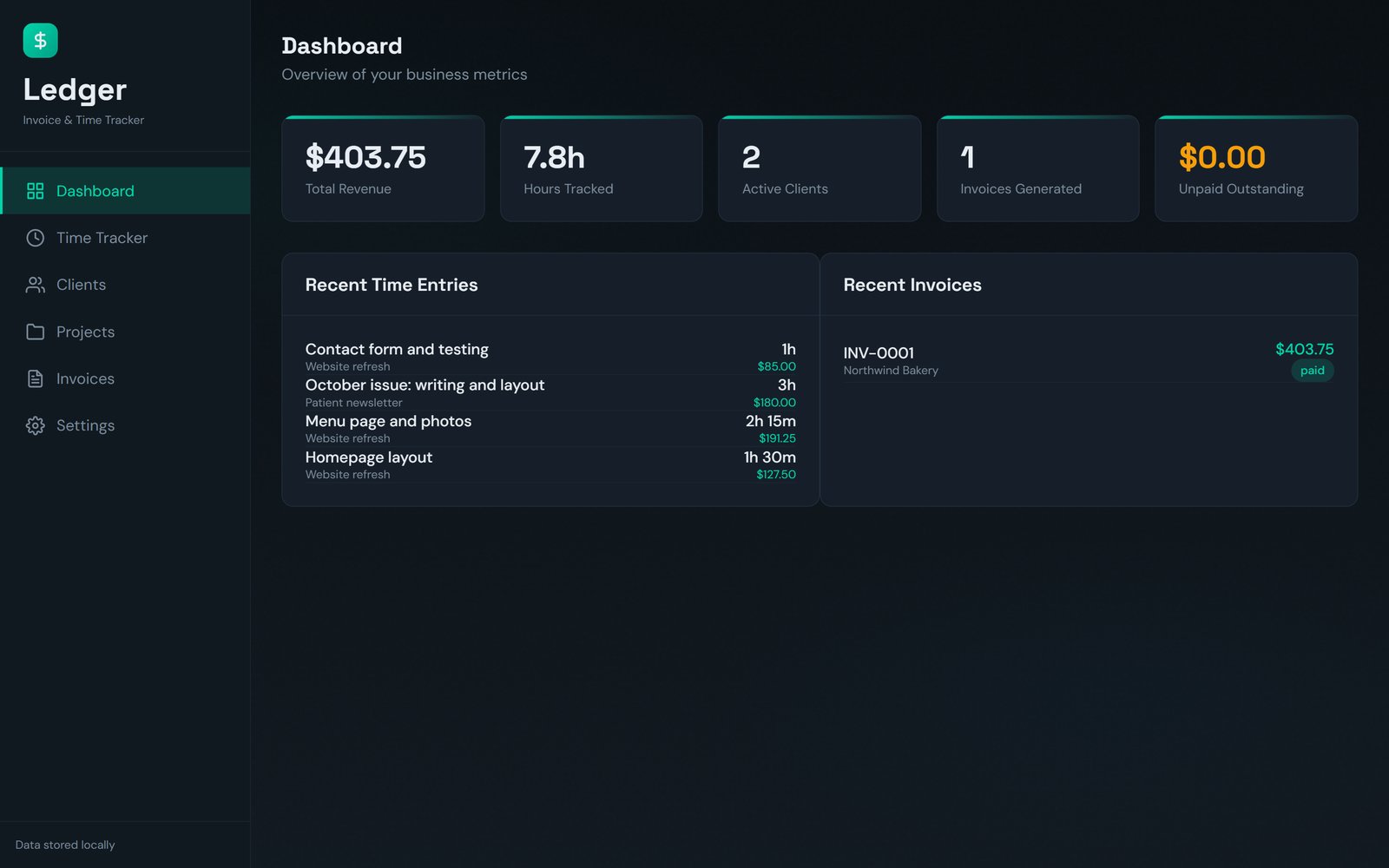
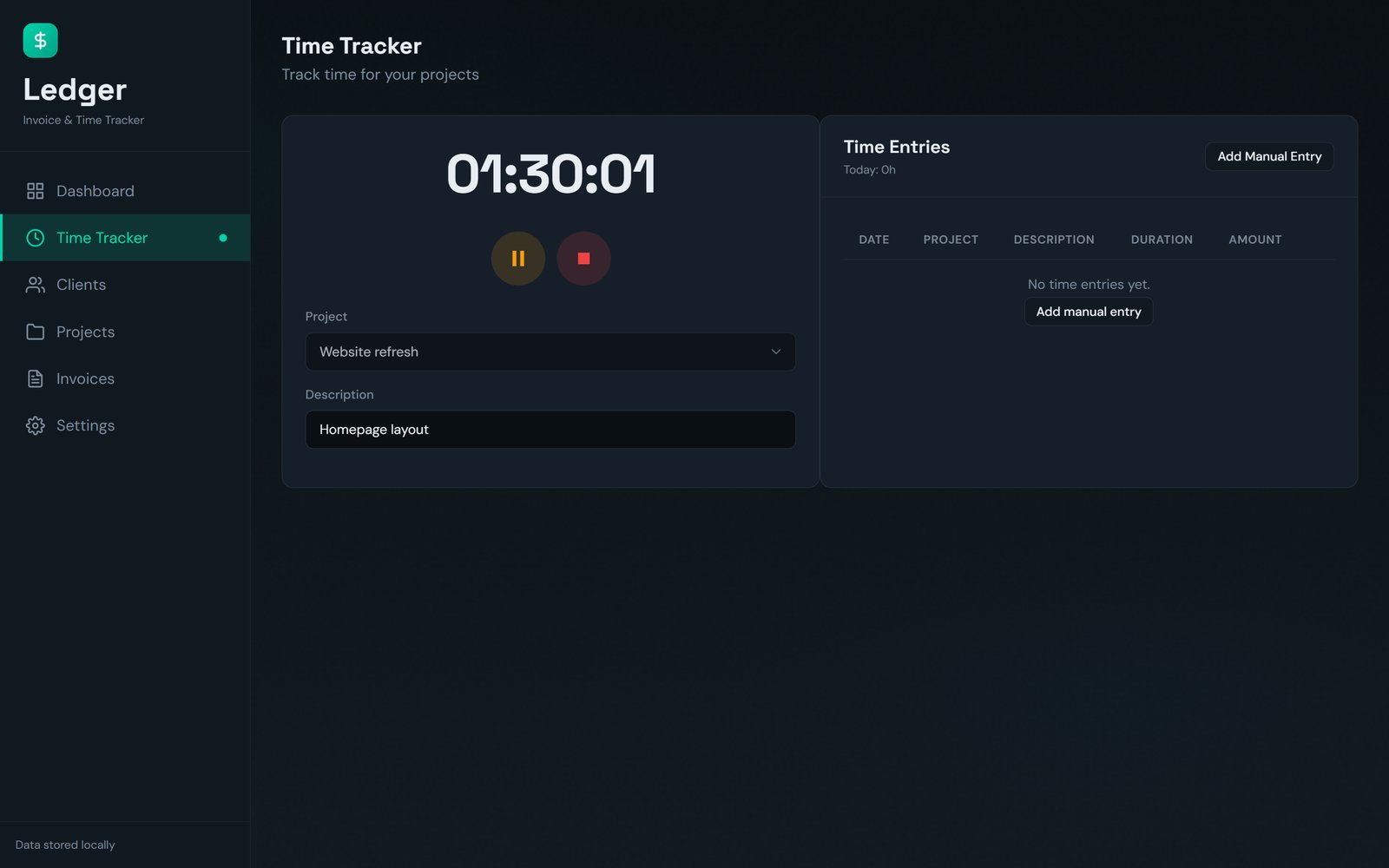
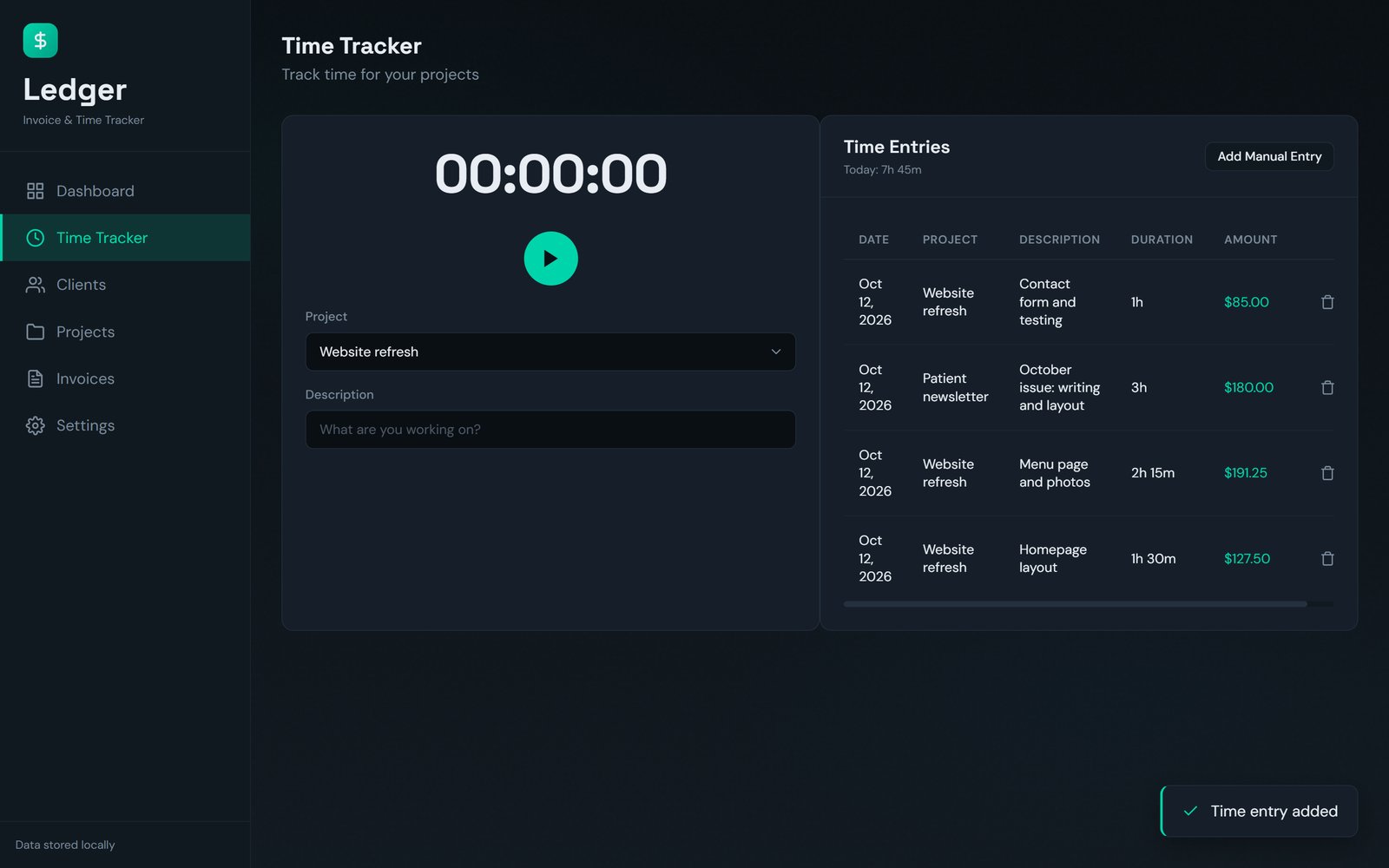
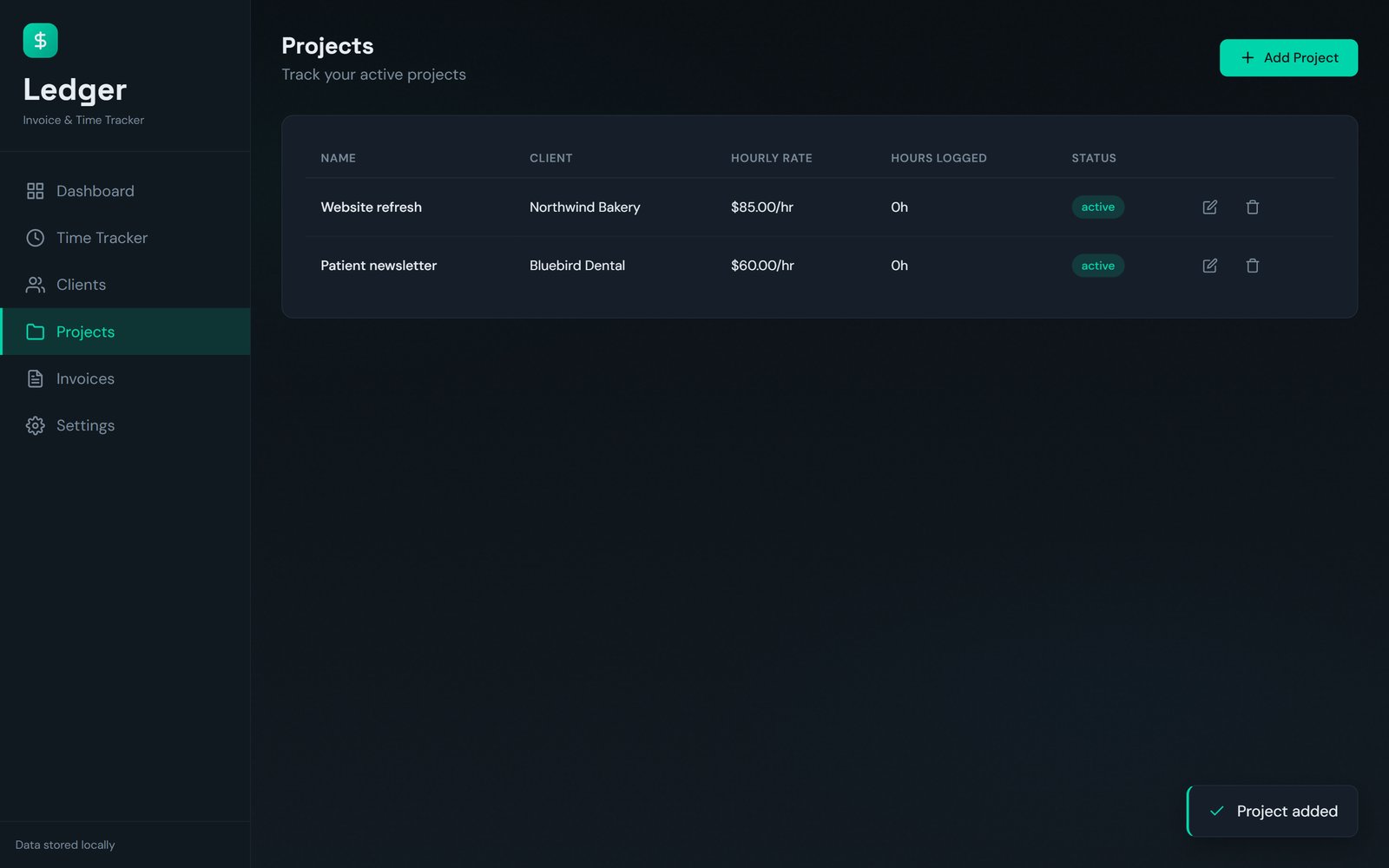
What you get: one file, timeLEDGER.html (about 480 KB), that opens in your web browser. Nothing to install. It works without an internet connection, PDF invoices included (with an internet connection it also uses its own web fonts). Made for a computer's web browser (tested in Google Chrome).
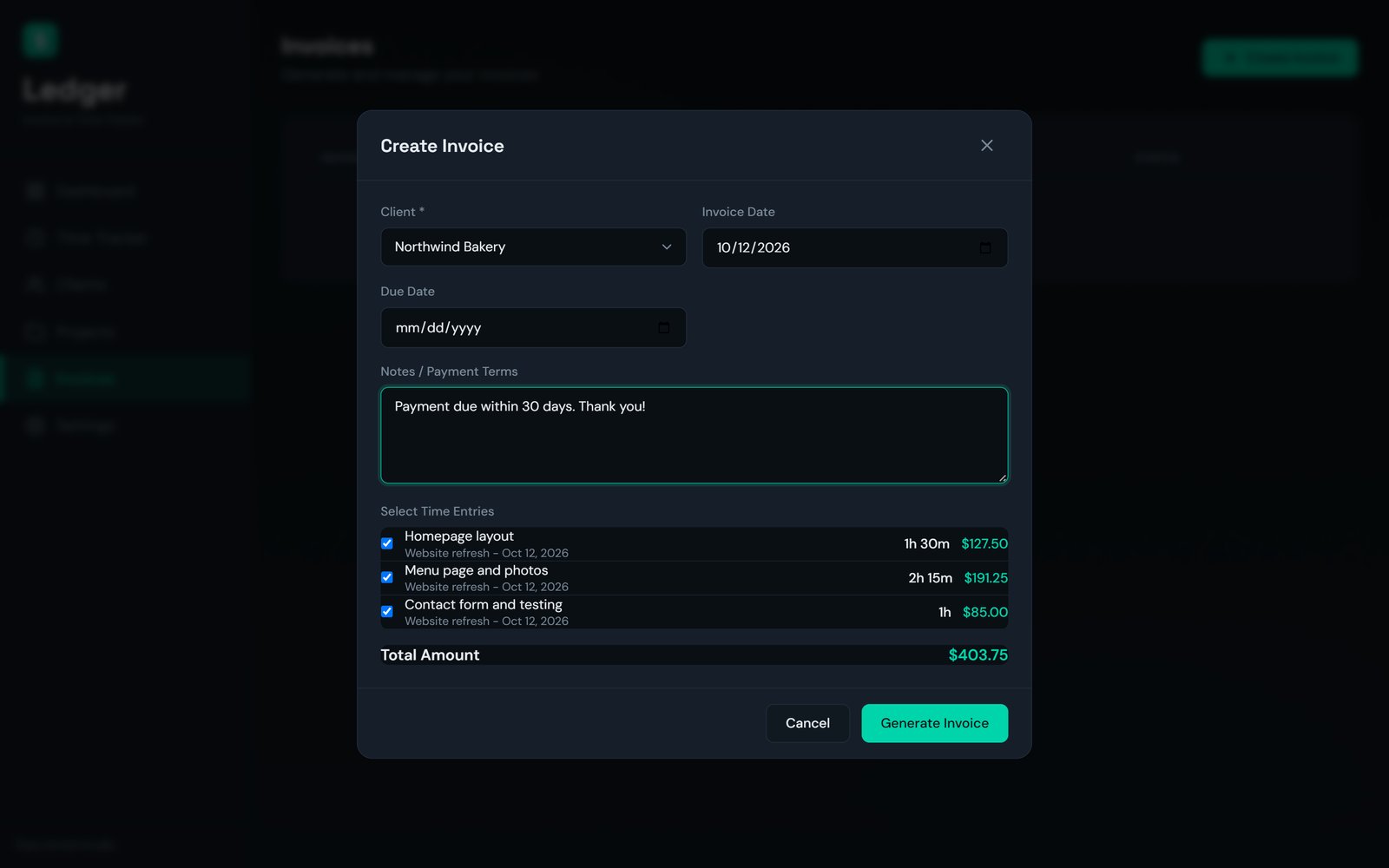
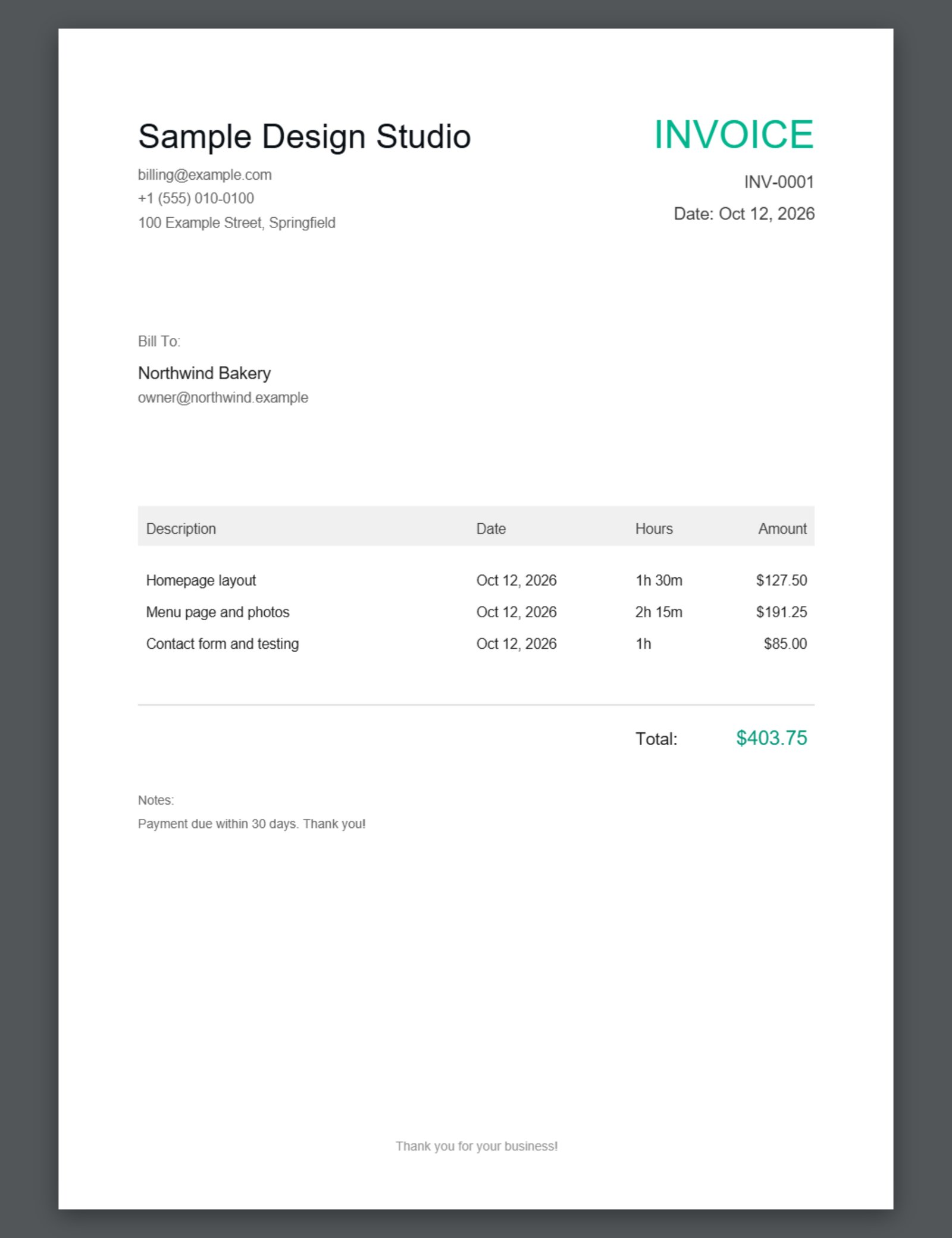
Quick start: 1. Save the file somewhere you will find it again (for example Documents) and double-click it. 2. Settings: enter your business name, email, phone, address, currency and default hourly rate, then Save Profile. 3. Clients: add a client. 4. Projects: add a project for that client with its hourly rate. 5. Time Tracker: pick the project and press start, or use Add Manual Entry. 6. Invoices: Create Invoice, choose the client, tick the entries, add your payment terms and press Generate Invoice: the PDF downloads.
Good to know: invoices bill tracked time (hours x rate); there are no tax or fixed-price lines. Invoices are downloaded as PDF files for you to send; the app does not email them. Your data is kept in the browser you use: use Settings > Export All Data regularly as a backup.