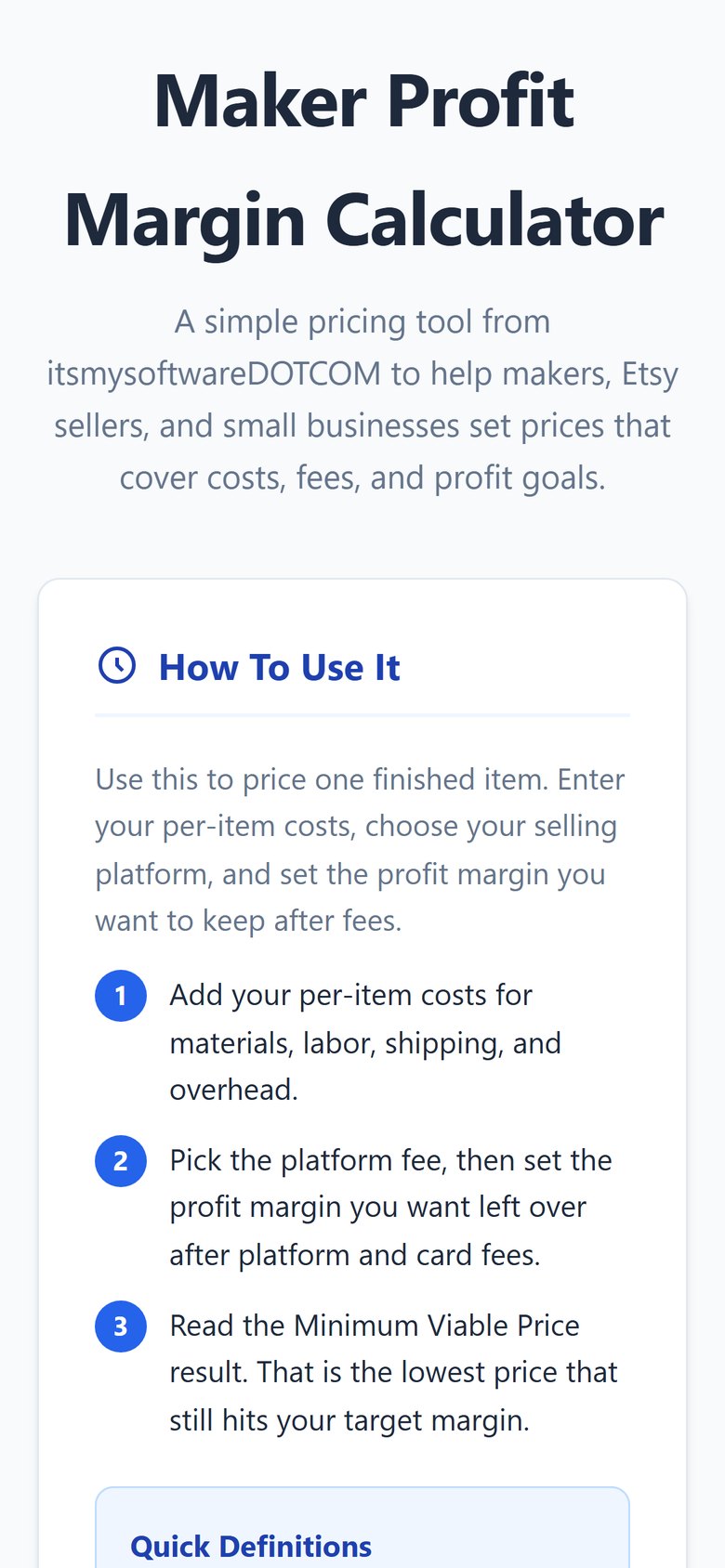
Maker Profit Margin Calculator

Item ID: Maker-Profit-Margin-Calculator-HTML
$1.99
Add to Cart

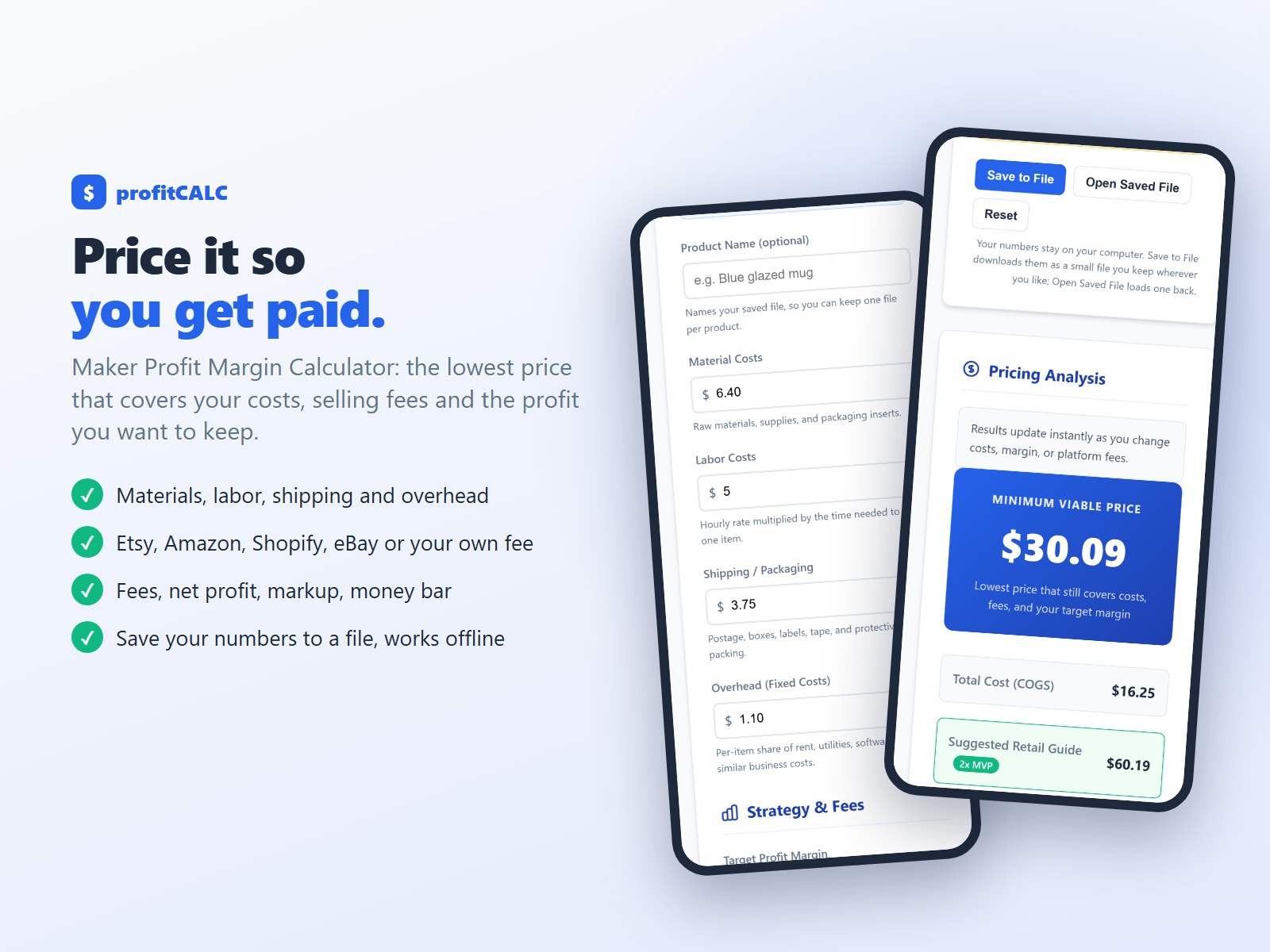
Price it so you get paid. profitCALC, the Maker Profit Margin Calculator, works out the lowest price for one item that still covers your costs, the selling fees and the profit margin you want to keep. Made for makers, handmade sellers and small businesses.

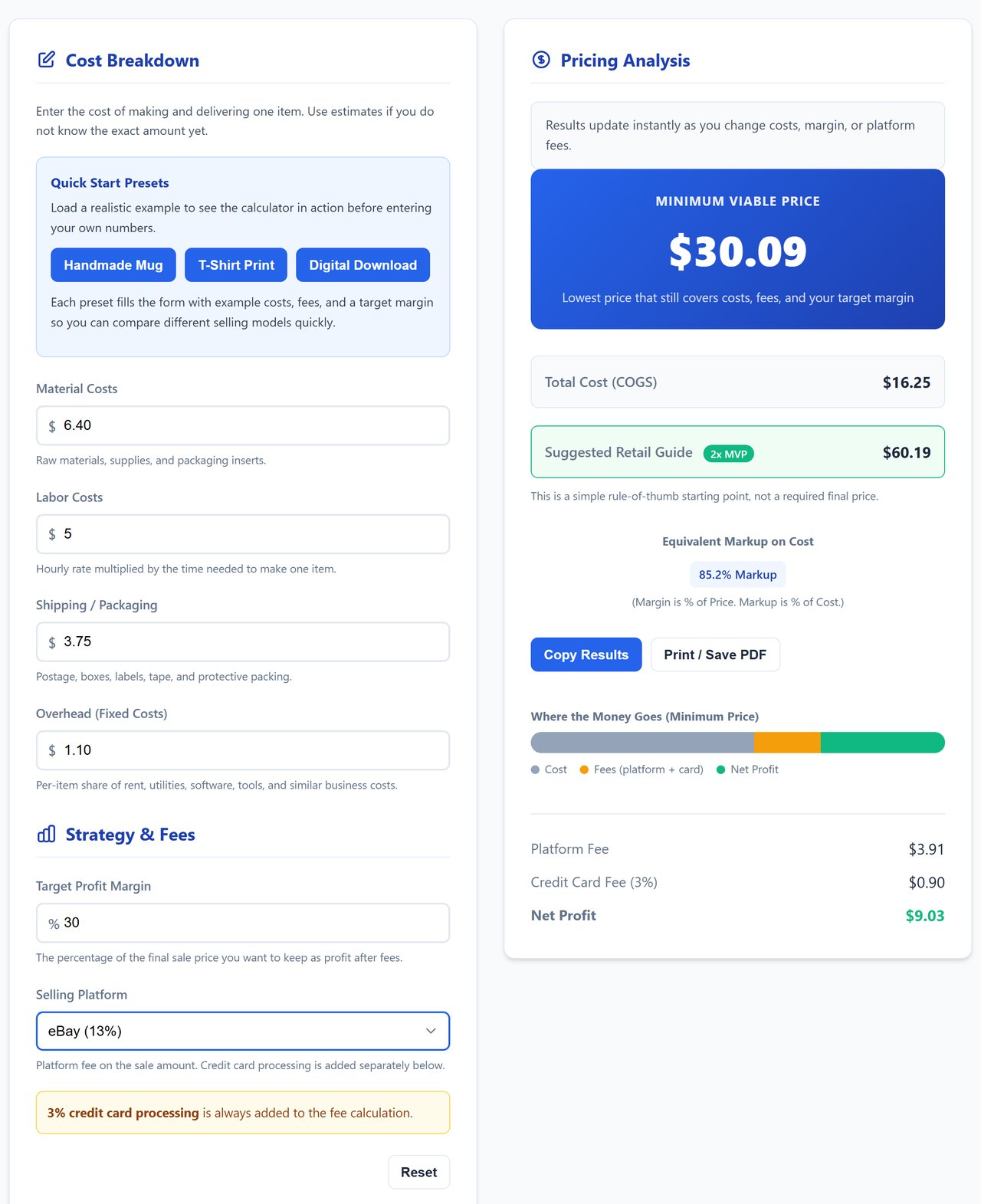
  • Your costs per item: materials, labor, shipping and packaging, and your share of overhead.
  • Selling fees: pick Etsy (6.5%), Amazon (15%), Shopify (about 3.5%) or eBay (13%), or type your own platform fee. A 3% card processing fee is always added.
  • Your target margin: the share of the selling price you want left as profit after fees.
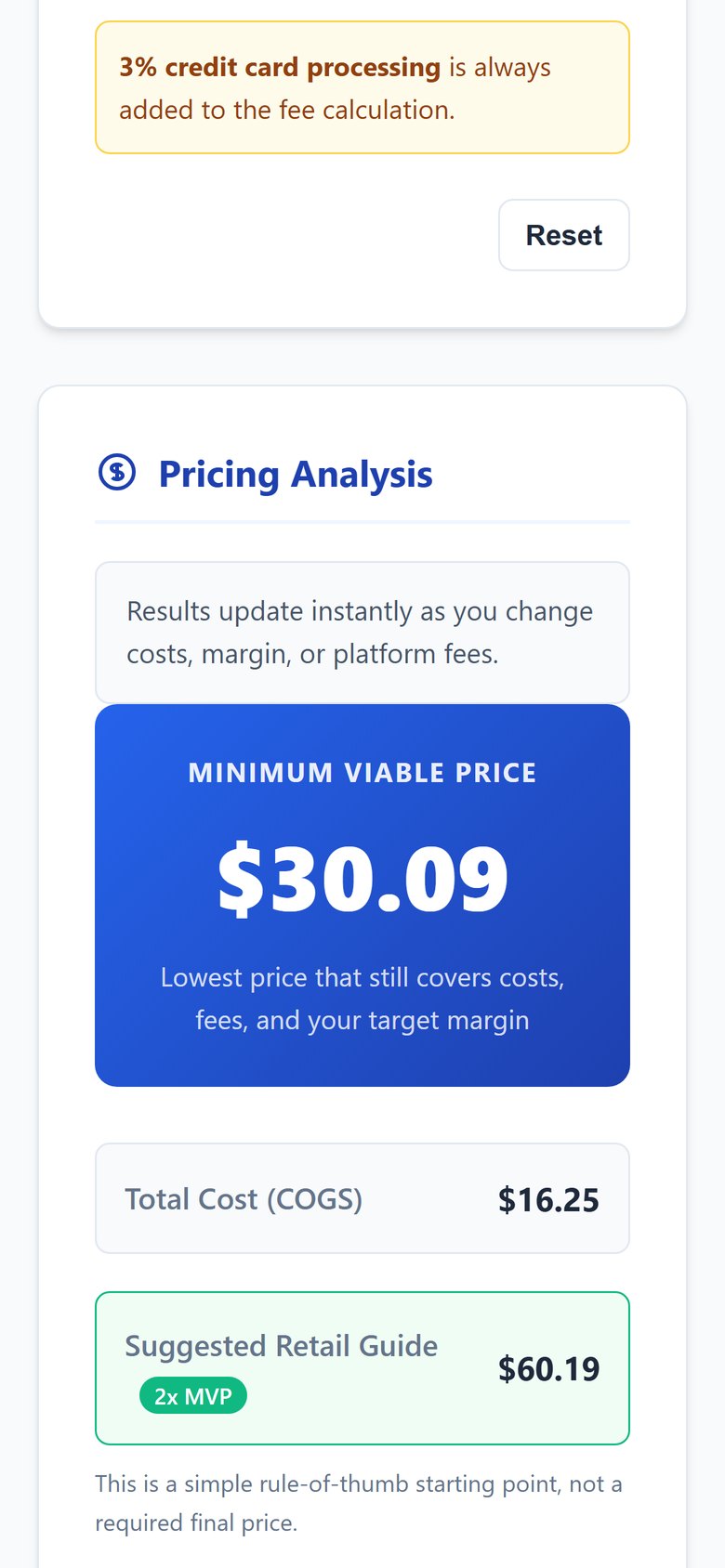
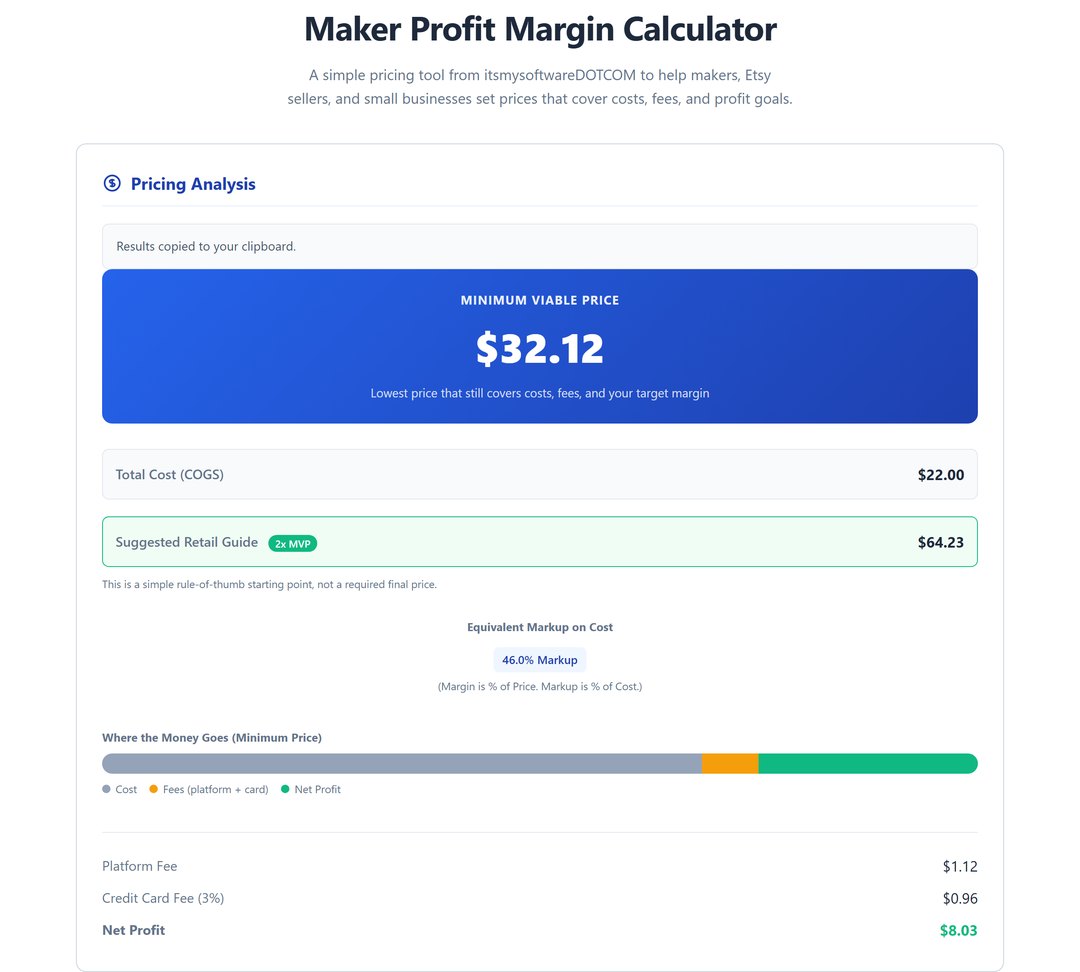
  • The answer, instantly: the Minimum Viable Price, total cost, platform fee, card fee, net profit, the equivalent markup on cost, a "2x" suggested retail guide and a bar showing where the money goes. Everything updates as you type.
  • Three ready examples (a handmade mug, a printed T-shirt, a digital download) to see how it works before you enter your own numbers.
  • Save to File keeps your numbers (with an optional product name) in a small file on your computer, and Open Saved File loads them back, so you can keep one file per product. Copy Results puts a plain-text summary on your clipboard; Print / Save PDF prints just the results.
  • Warns you when your margin plus fees reach 100% of the price, instead of showing an impossible number.

Private by design: no account, no subscription, no server. It loads nothing from the internet and sends nothing anywhere.

A digital download: one HTML file, delivered after purchase.

What you get: one file, profitCALC.html (about 49 KB), that opens in your web browser. Nothing to install, and everything works offline: it loads nothing from the web. Two columns on a computer screen, one column at phone width. Tested in Google Chrome on a computer, at phone and desktop widths.

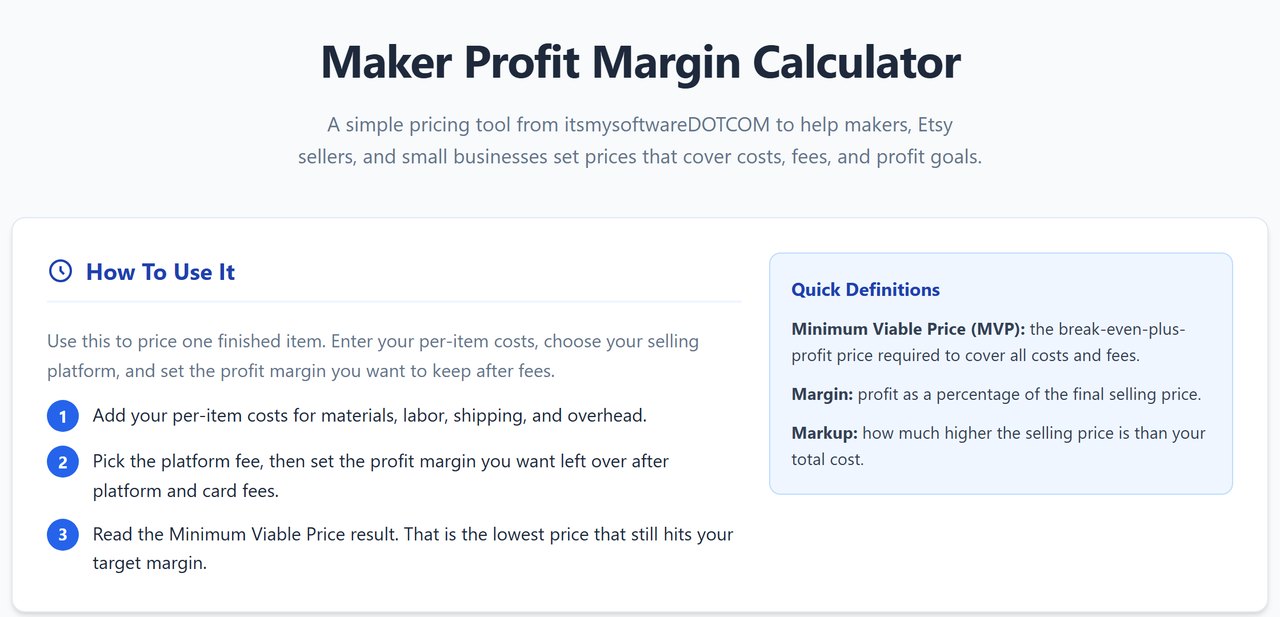
Quick start: 1. Save the file somewhere you will find it again (for example Documents) and double-click it. 2. Press Handmade Mug to see an example, then Reset. 3. Type what one item costs you in materials, labor, shipping and overhead. 4. Set your target profit margin and choose where you sell (or Custom Rate for your own fee). 5. Read your Minimum Viable Price, then Save to File to keep your numbers (or Copy Results or Print / Save PDF).

Good to know: it prices one item at a time and saves only when you press Save to File: closing or reloading the page clears the form, and Open Saved File brings your numbers back. Fees are percentages of the price only: the built-in platform rates are rough guides, and fixed per-order or listing fees (for example a few cents per sale) are not included, so check your platform's current fees and use Custom Rate if yours differ. The 3% card fee is always added, also on top of a custom rate. Amounts are shown in US dollars. A negative cost is counted as zero. It has a light look only. Whether a downloaded .html file opens on a phone depends on the phone; it has not been tested on a real phone.