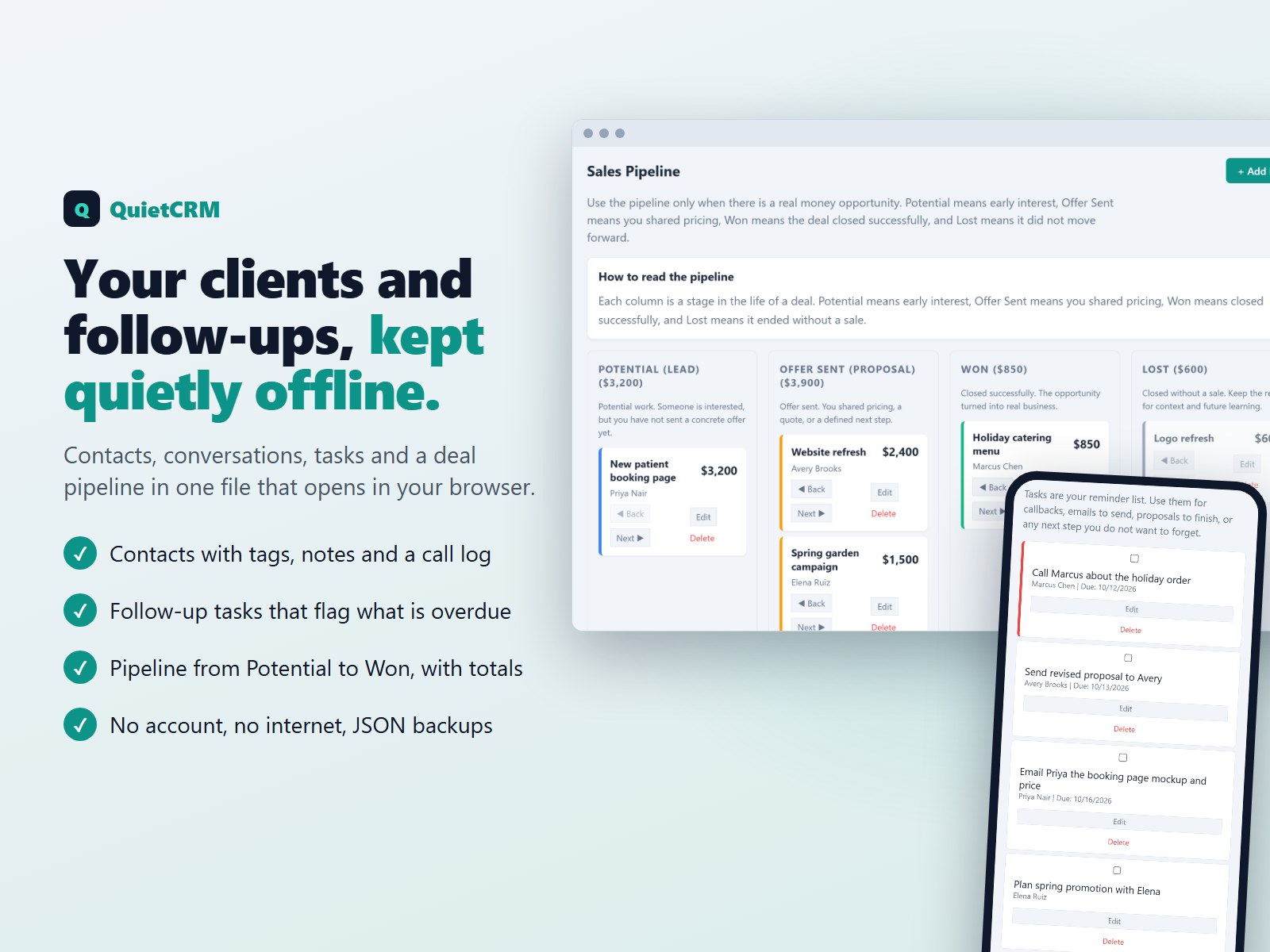
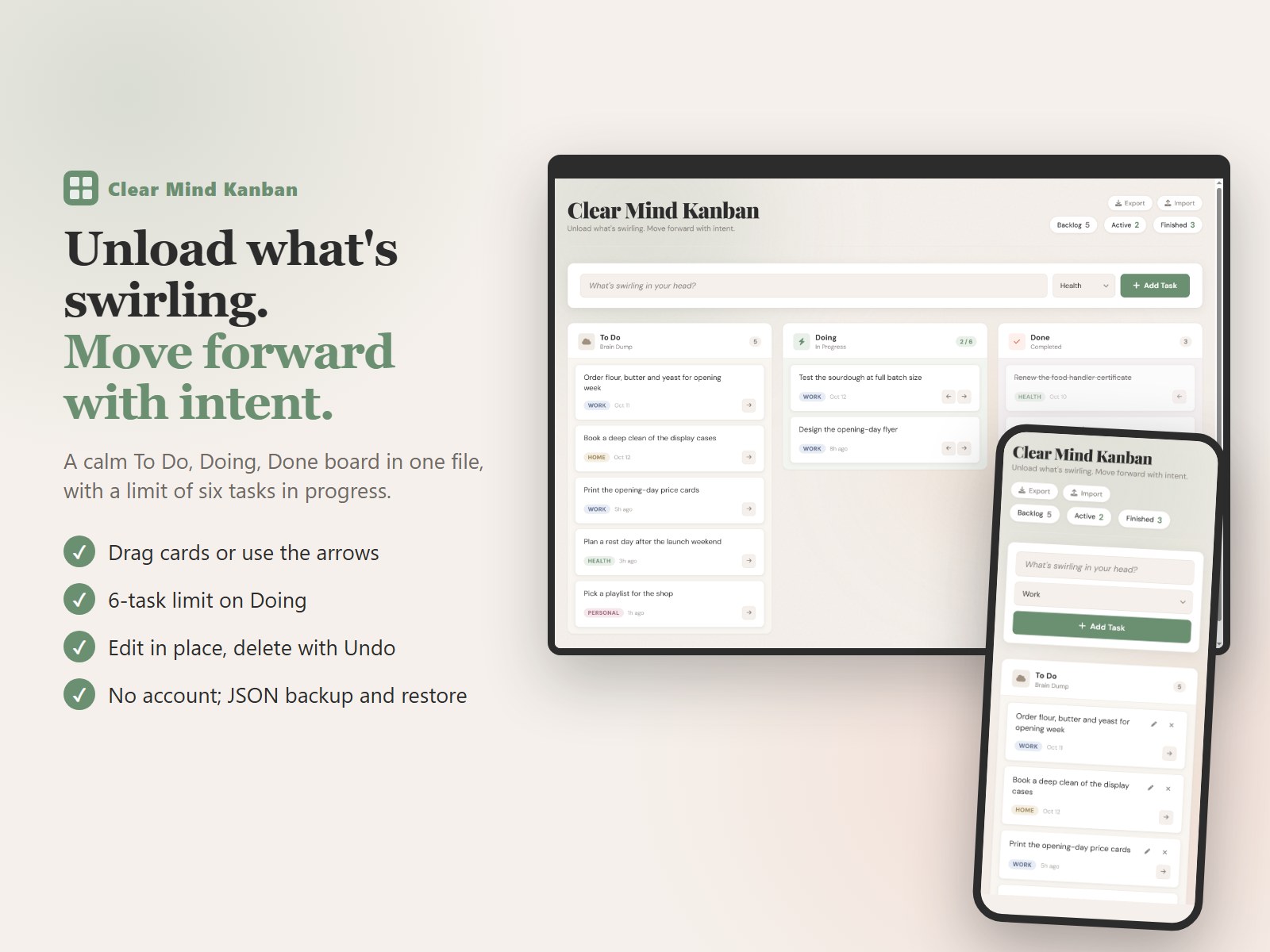
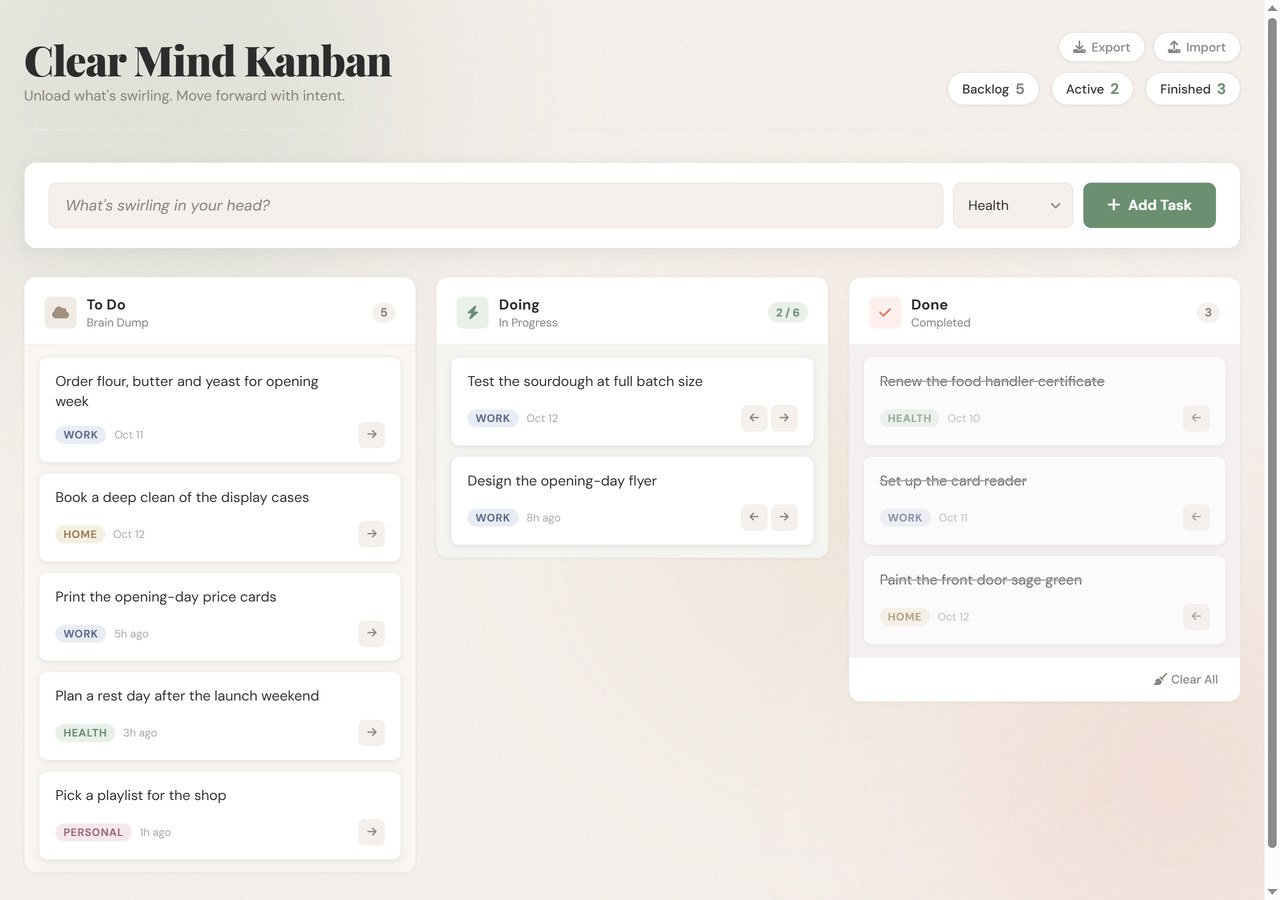
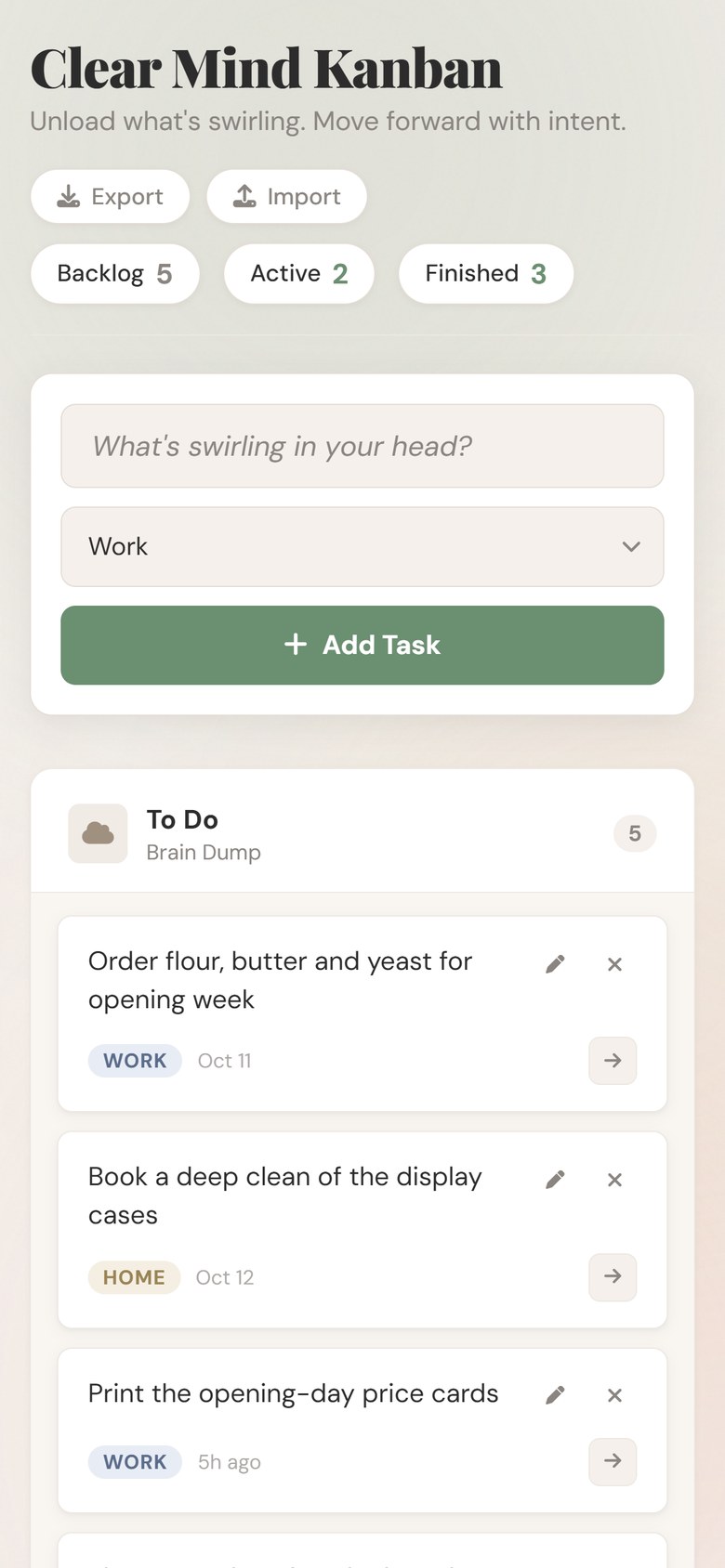
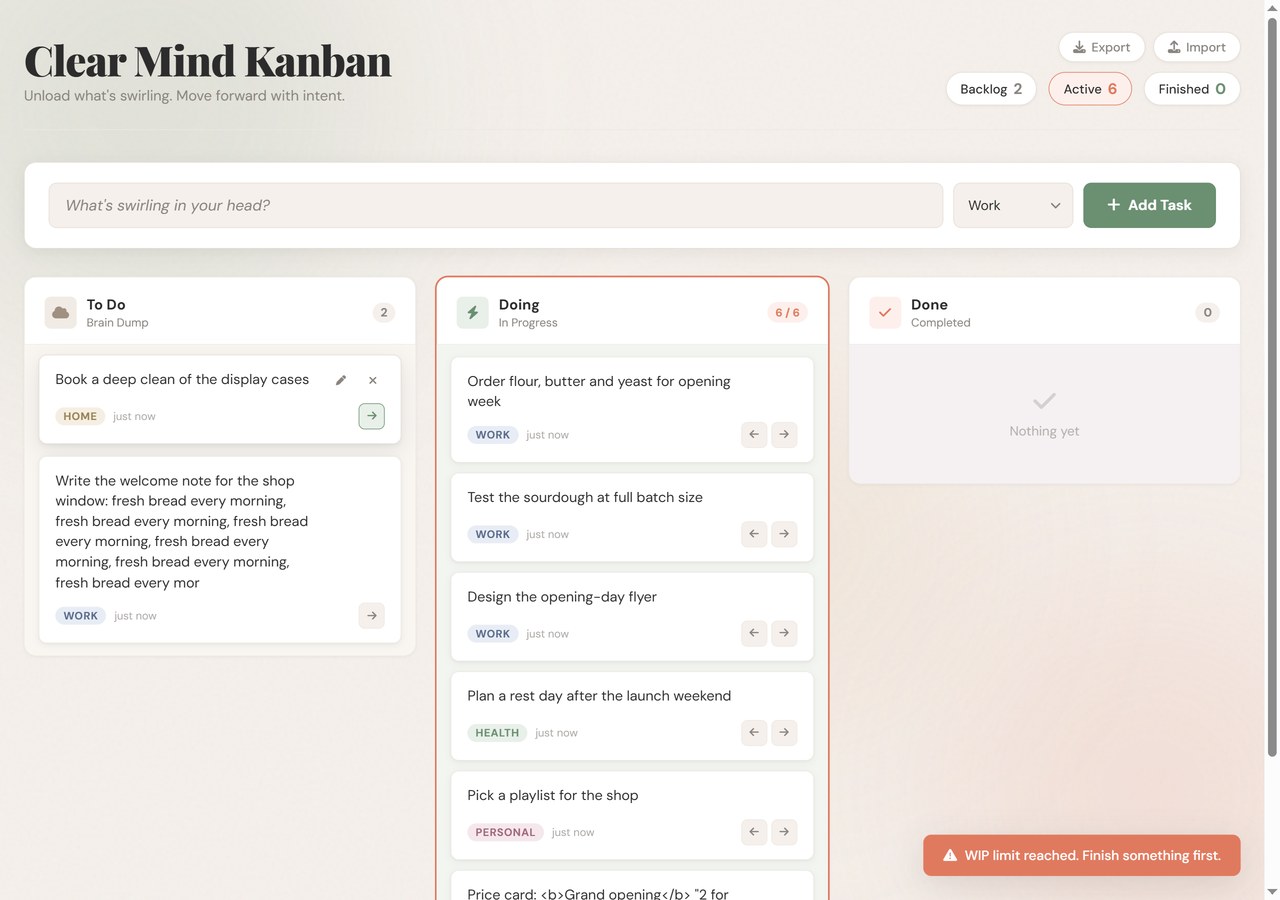
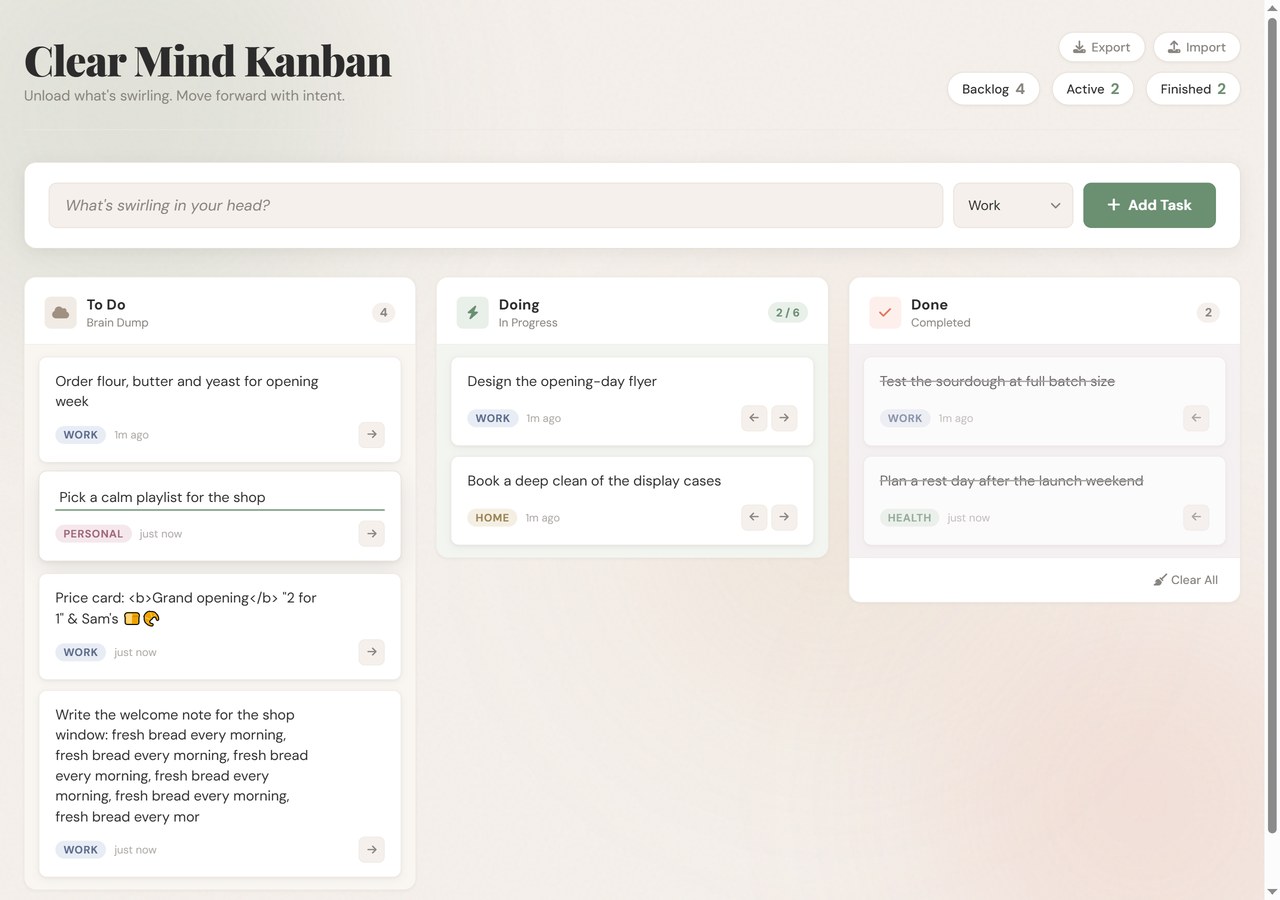
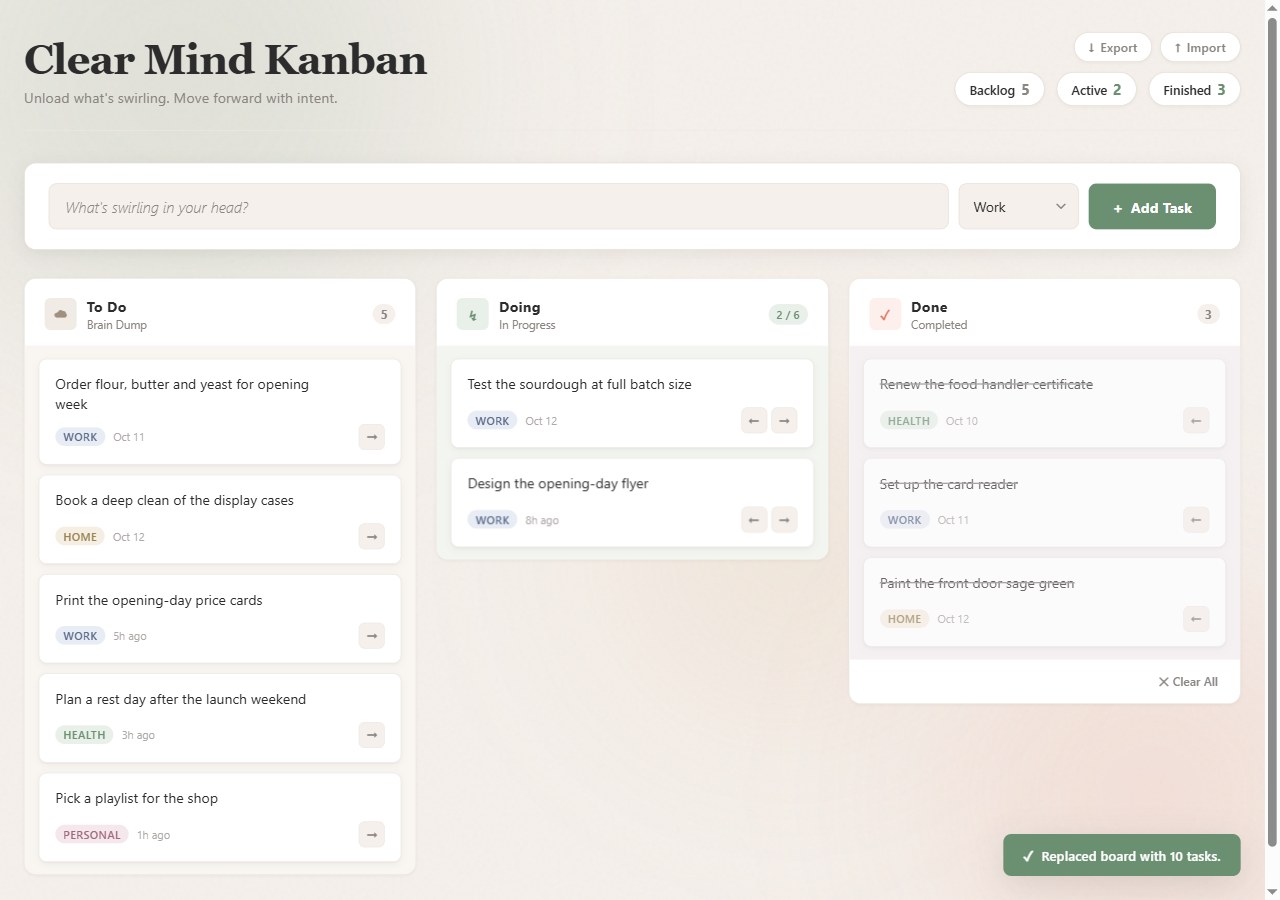
What you get: one file, cmKanban.html (about 48 KB), that opens in your web browser. Nothing to install. With an internet connection it shows its own typefaces and icons; without one, everything still works: adding, moving, editing, deleting, export and import. The board then uses your computer's own font and plain symbols (arrows, a pencil, a cross) for the icons, so every button stays labelled. Tested in Google Chrome on a computer, at desktop width and at phone width.
Quick start: 1. Save the file somewhere you will find it again (for example Documents) and double-click it. 2. Type what's on your mind in the box "What's swirling in your head?", choose a category and press Enter. 3. Move up to six tasks into Doing with the arrow or by dragging. 4. When one is finished, move it to Done. 5. Press Export now and then to keep a backup file.
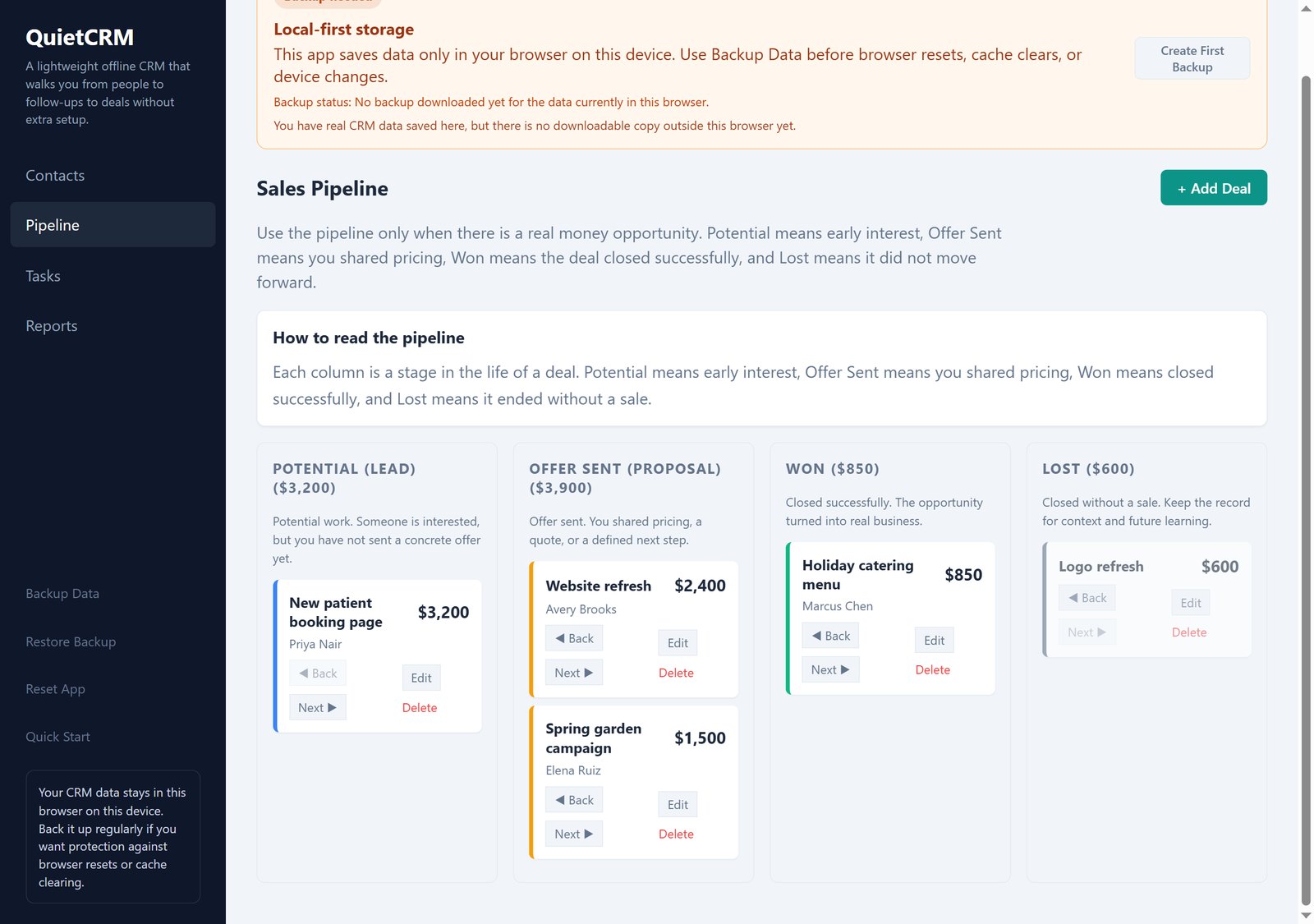
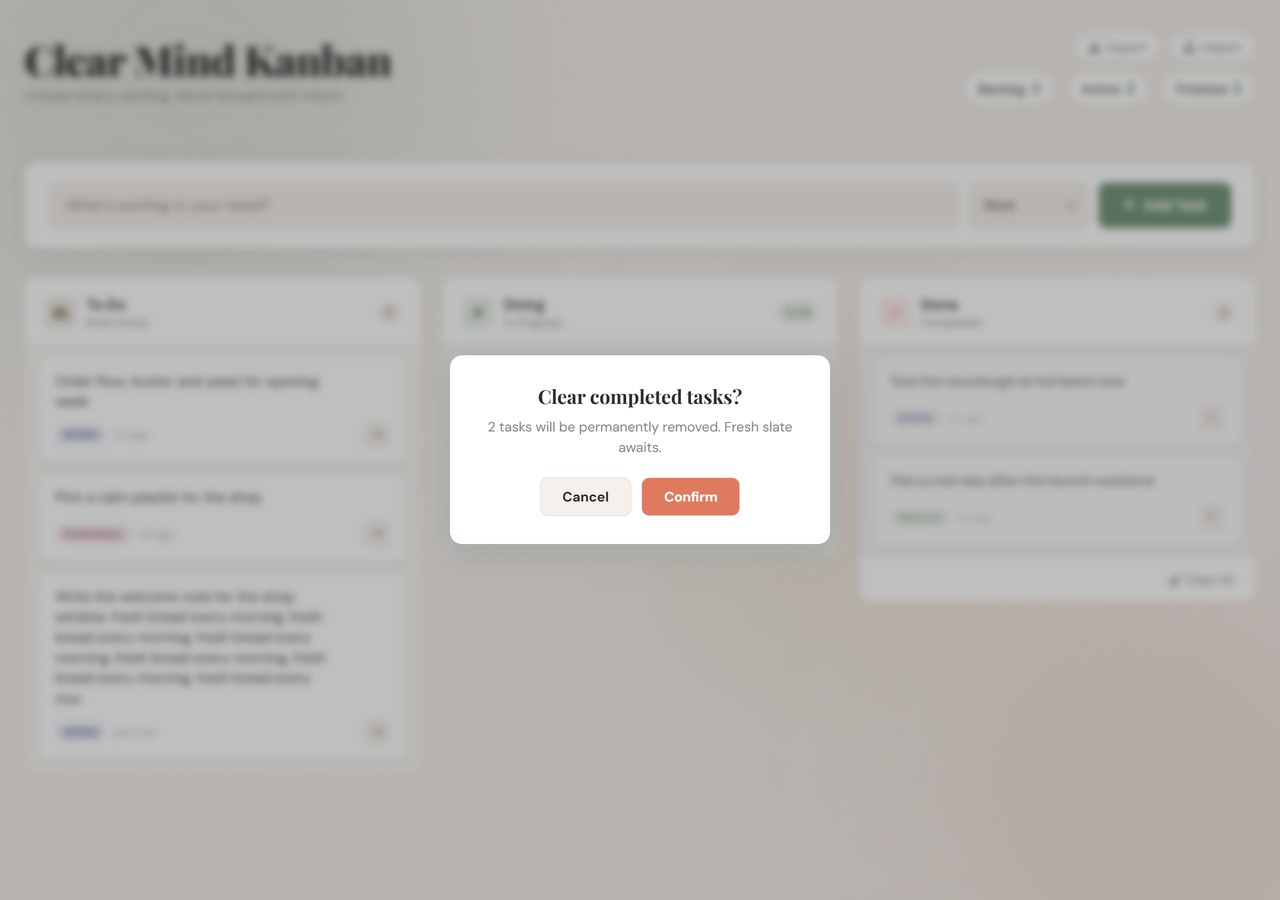
Good to know: your board is kept in the browser you open it in (on that computer): clearing that browser's site data erases it, so use Export for a backup, and Import to move the board to another browser or computer. The Doing limit is fixed at 6, the four categories are fixed, and a task can be up to 200 characters. Undo for a deleted task is offered for a few seconds. Cards in Done move back with their arrow button rather than by dragging. There is no dark mode. On a narrow screen the columns stack one above another; whether a downloaded .html file opens on a phone depends on the phone, and it has not been tested on a real phone (use the arrow buttons there rather than dragging).