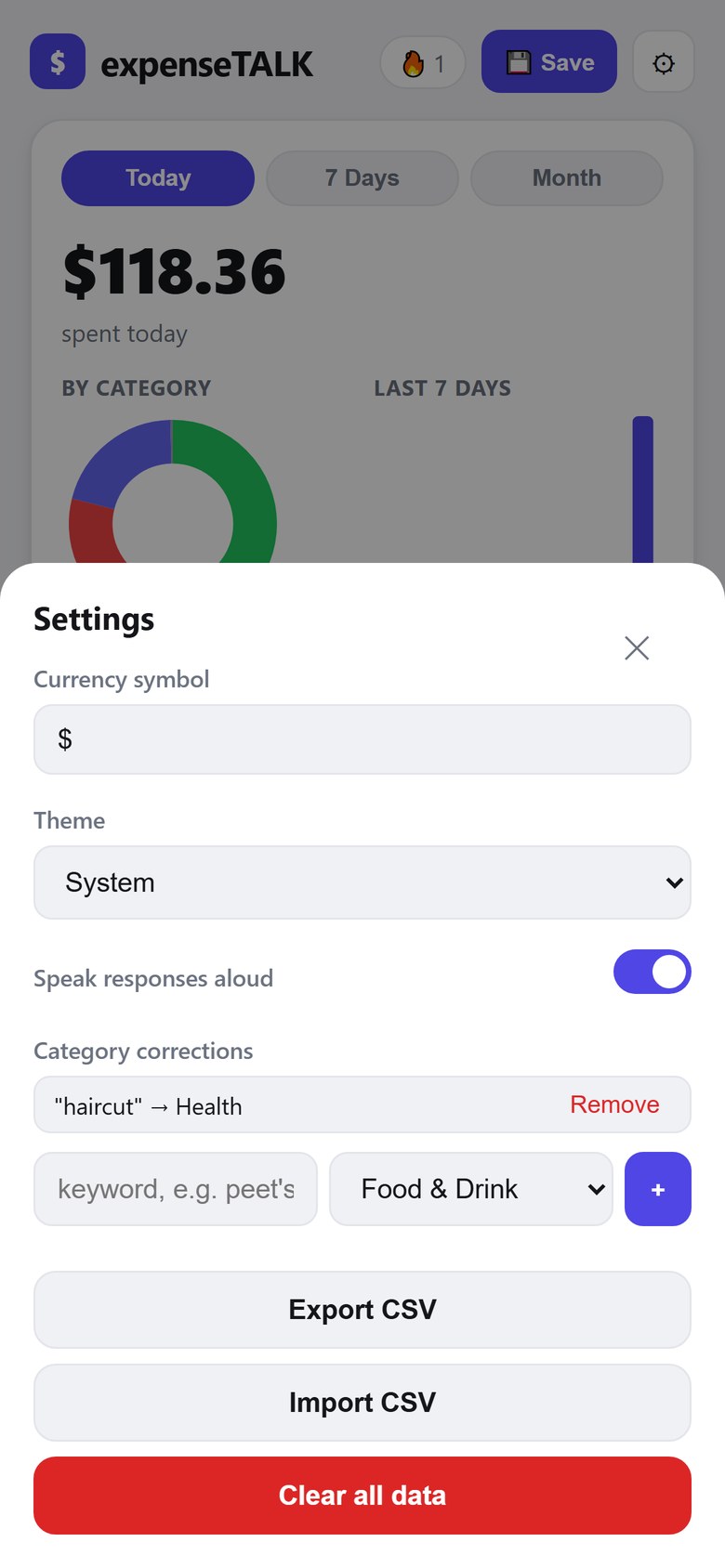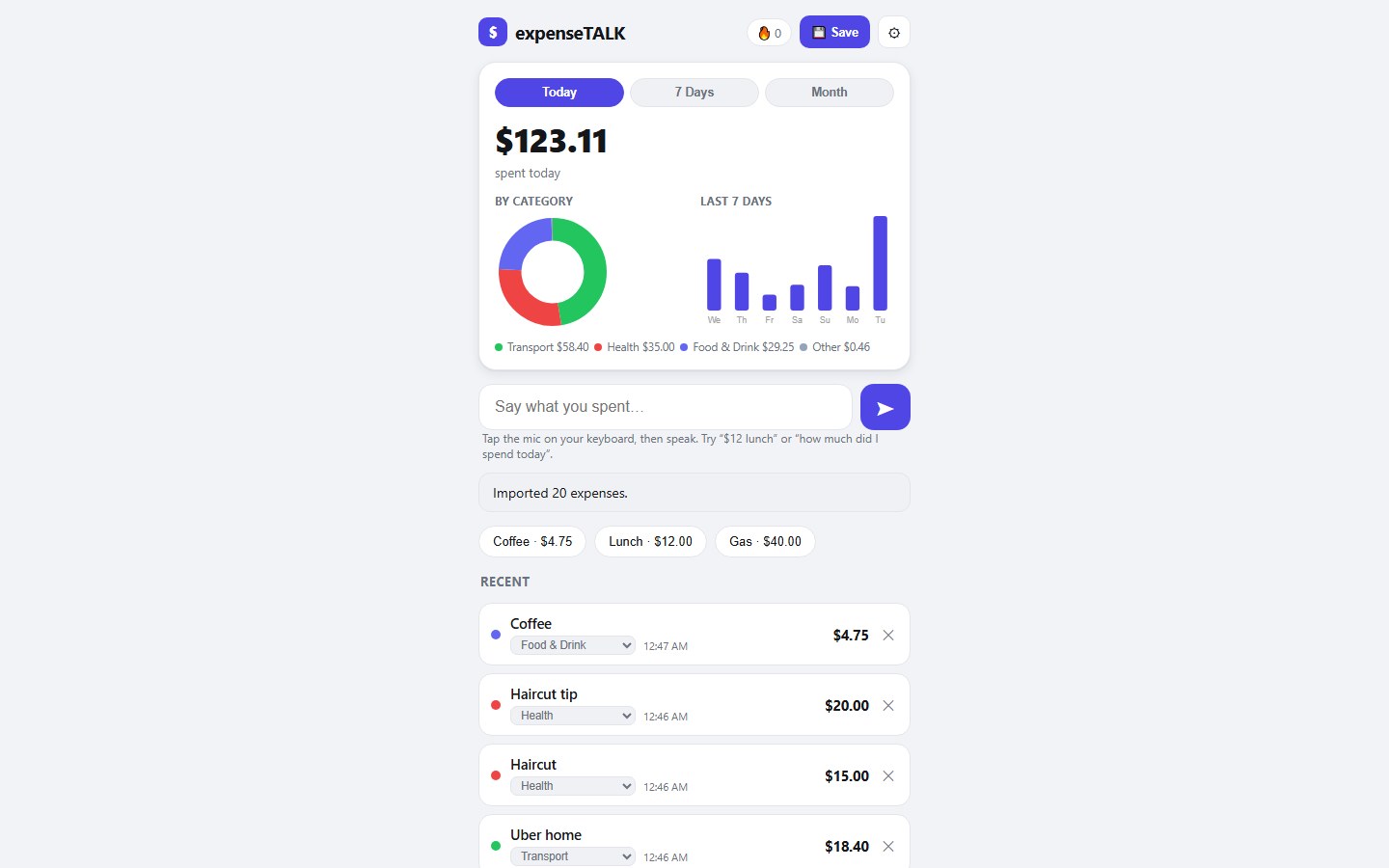
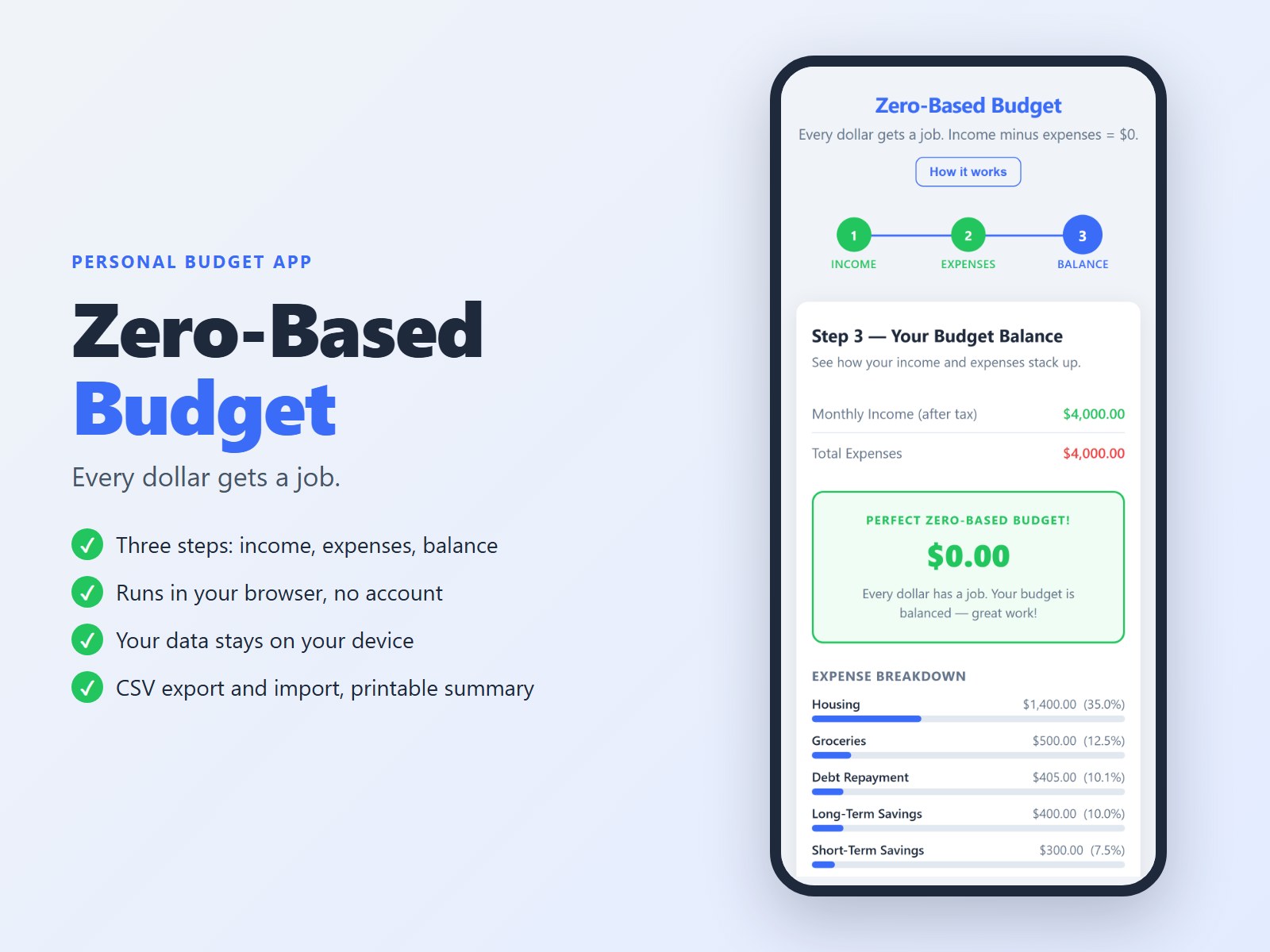
What you get: one file, personalBUDGET.html (about 49 KB), that opens in your web browser. Nothing to install, and no internet connection needed once you have the file: it loads nothing from the web. Made for a computer's web browser (tested in Google Chrome). Amounts are in US dollars.
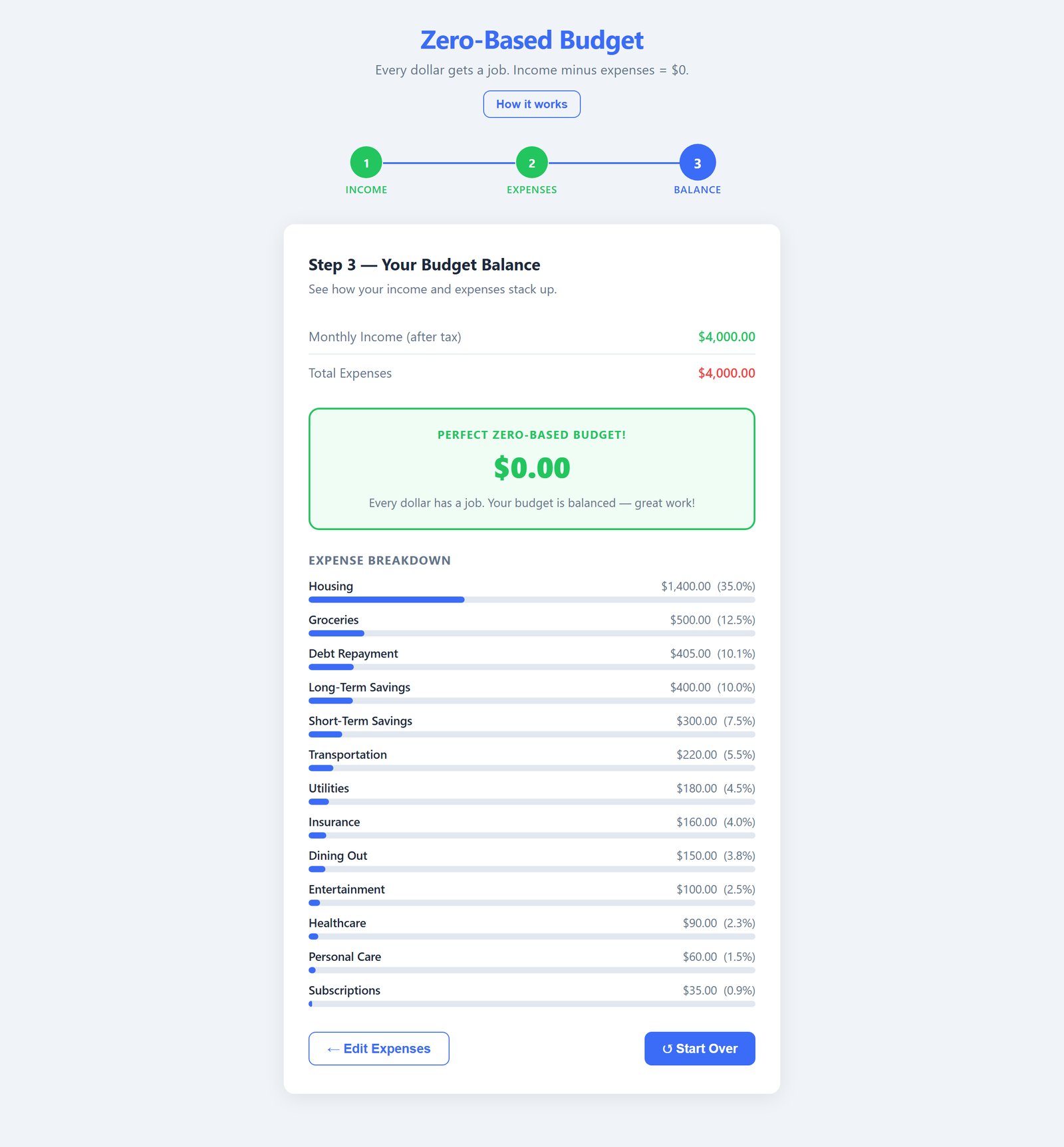
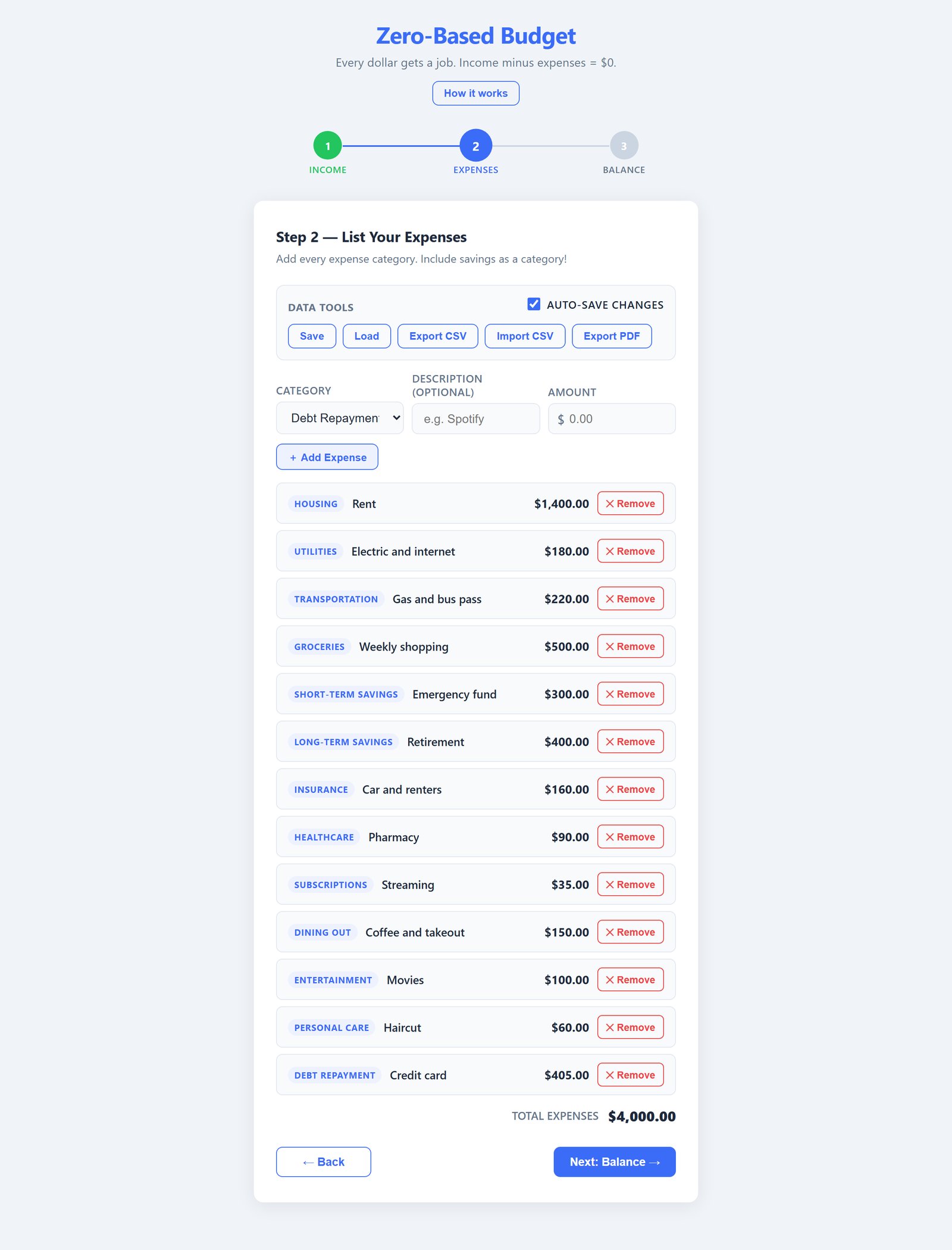
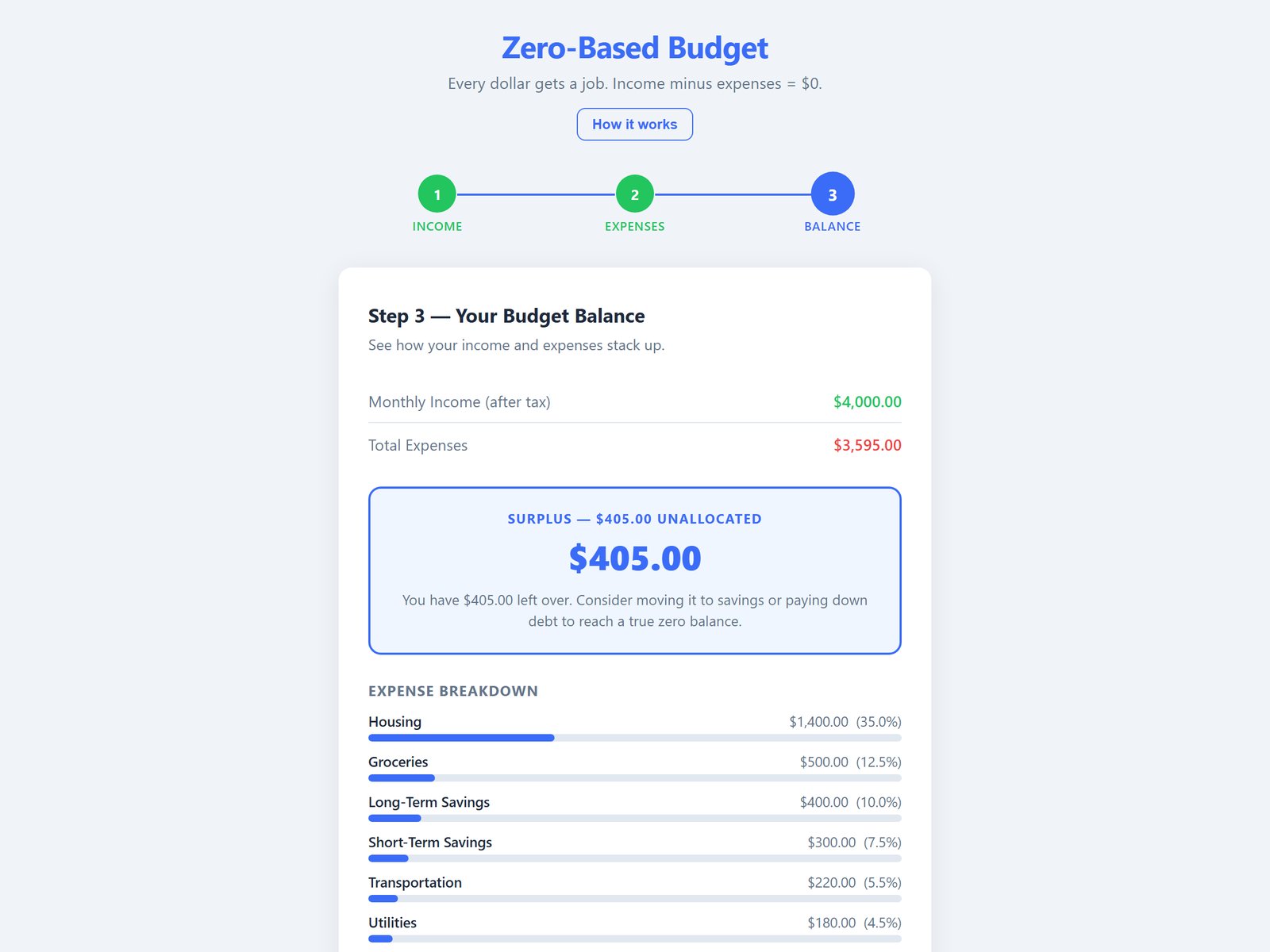
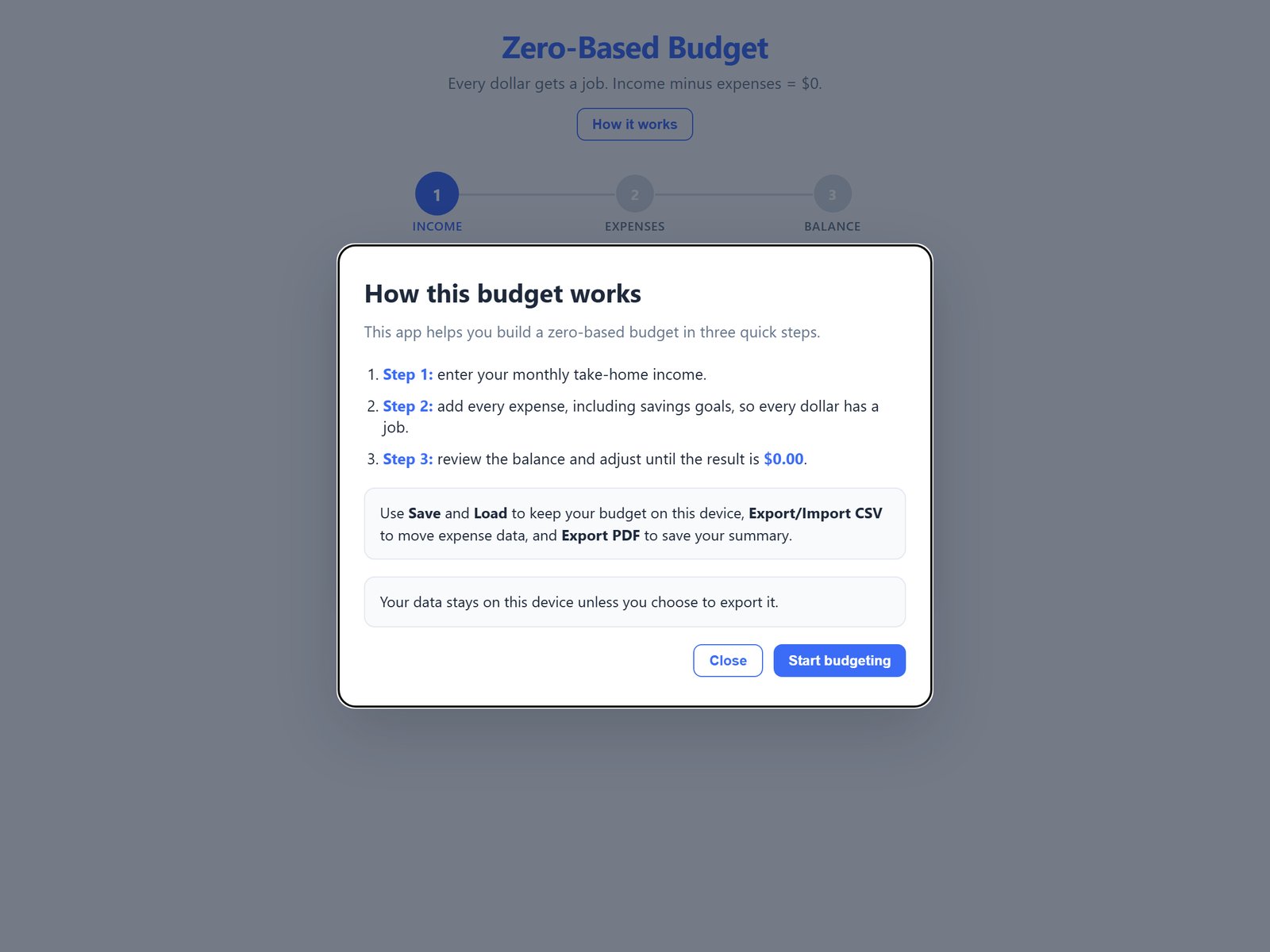
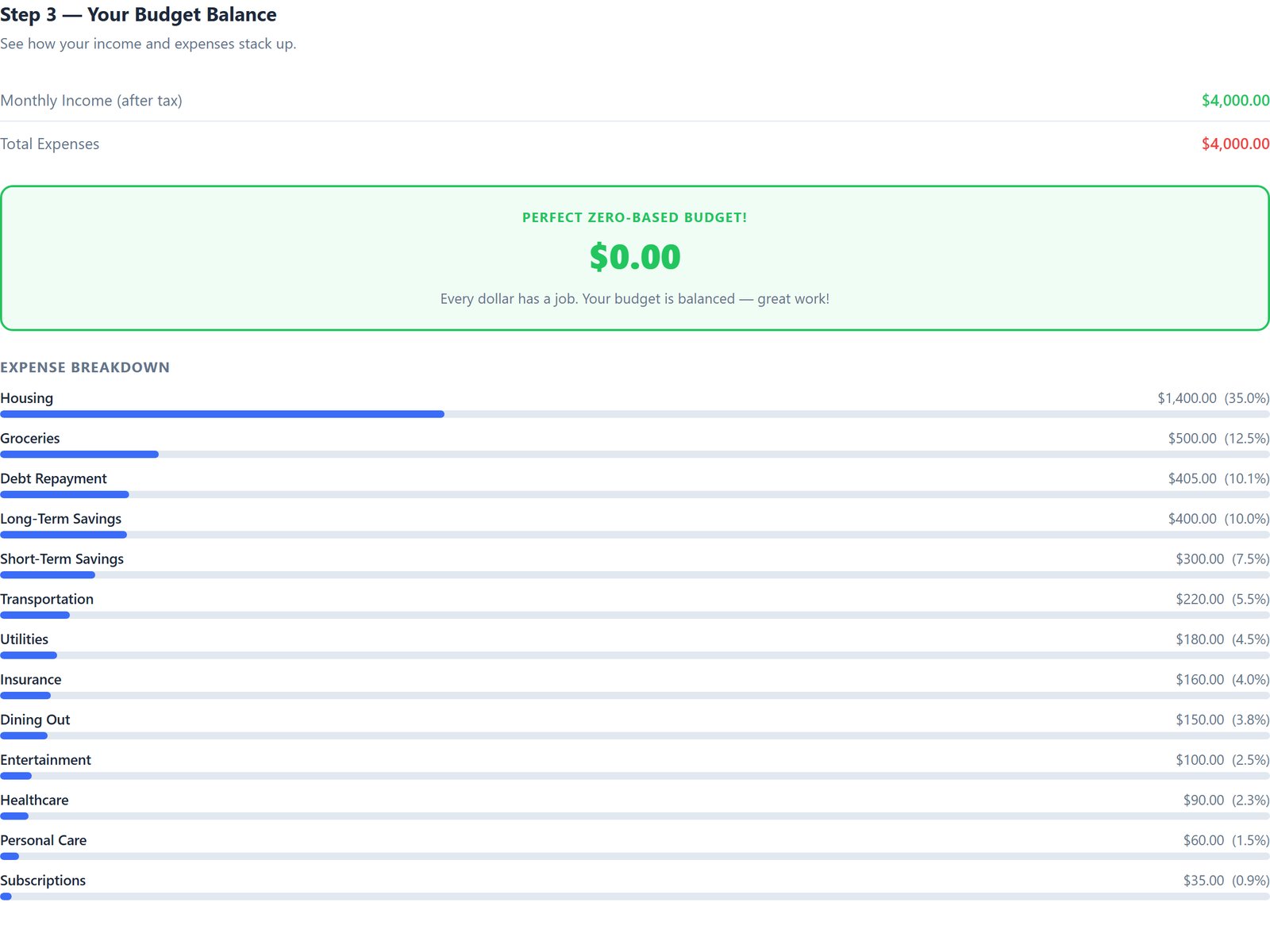
Quick start: 1. Save the file somewhere you will find it again (for example Documents) and double-click it. 2. Enter your monthly take-home income and press Next. 3. Add each expense (category, optional description, amount) with Add Expense; include your savings goals. 4. Press Next: Balance and adjust until the result is $0.00.
Your data: auto-save (on by default) keeps your budget in the browser you use, so it is there the next time you open the file. Use Export CSV to back it up or to move it to another device (Import CSV there), and Export PDF to print or save the summary. Clearing that browser's site data removes the saved budget, so keep a CSV copy.