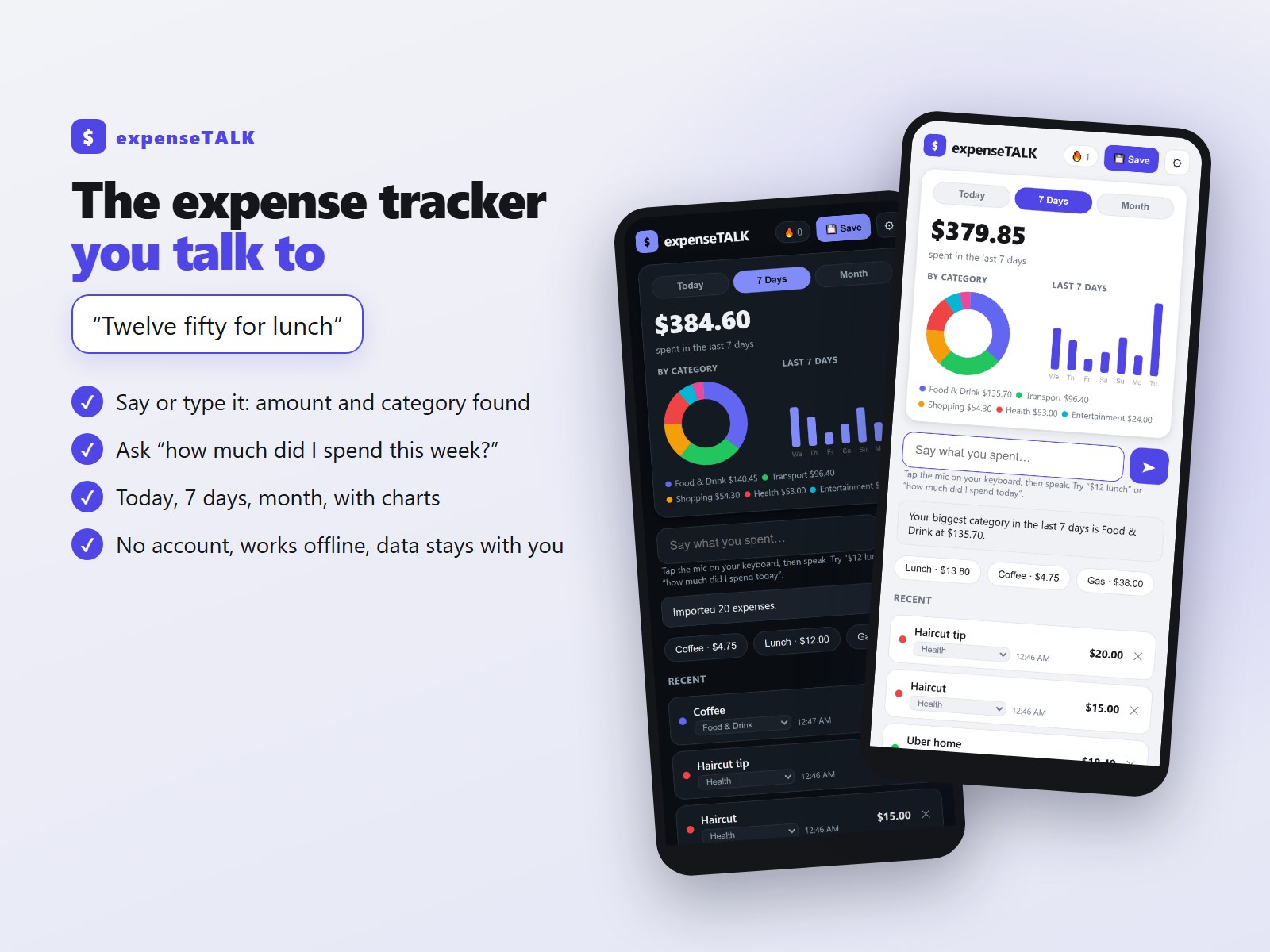
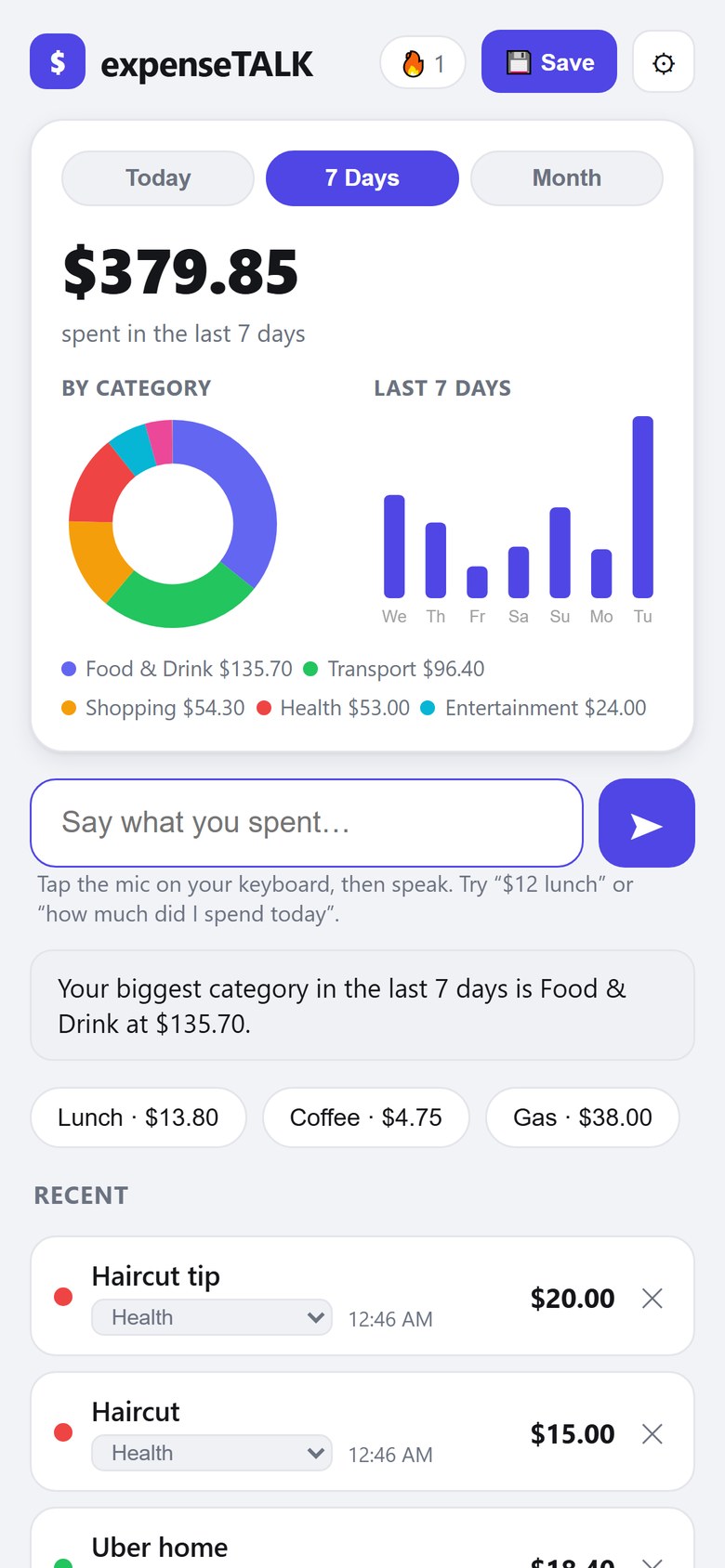
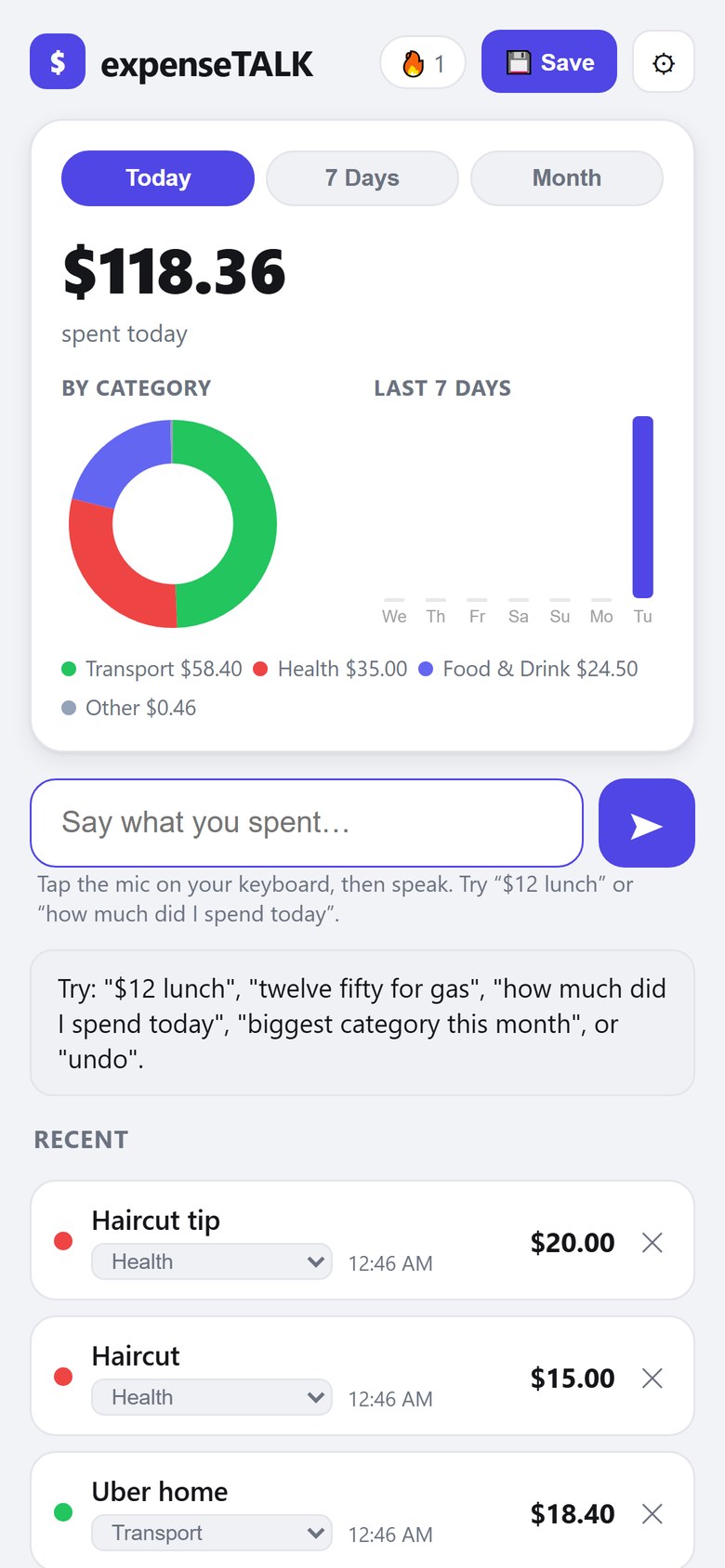
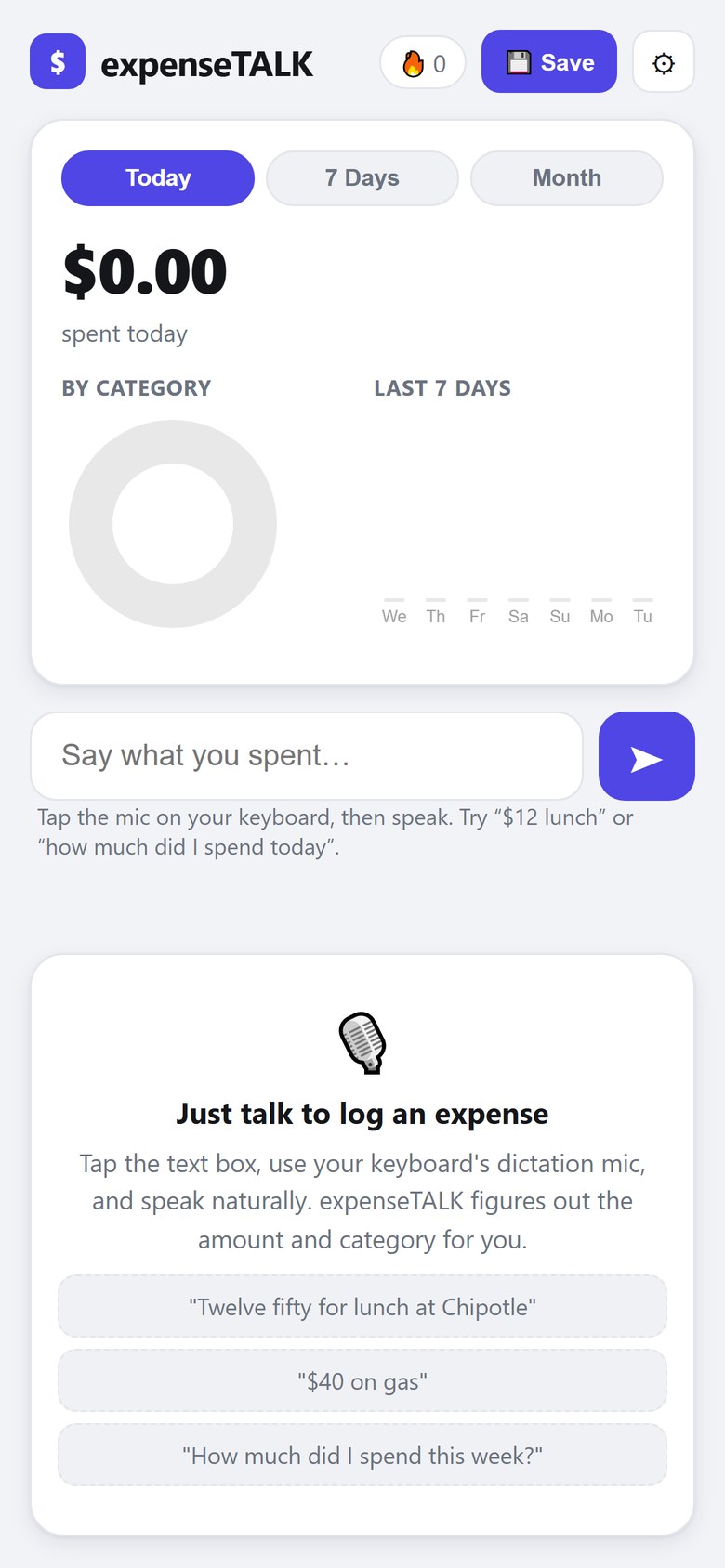
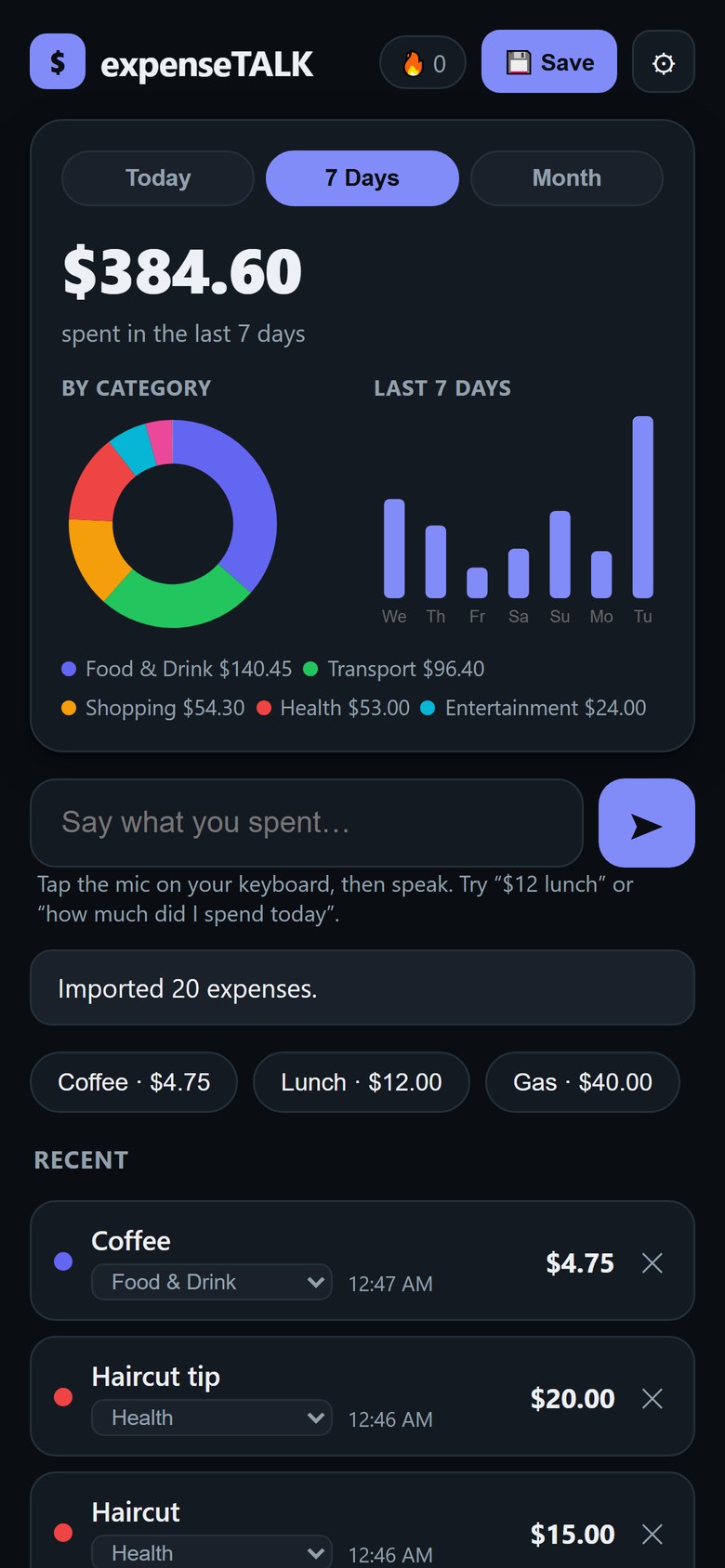
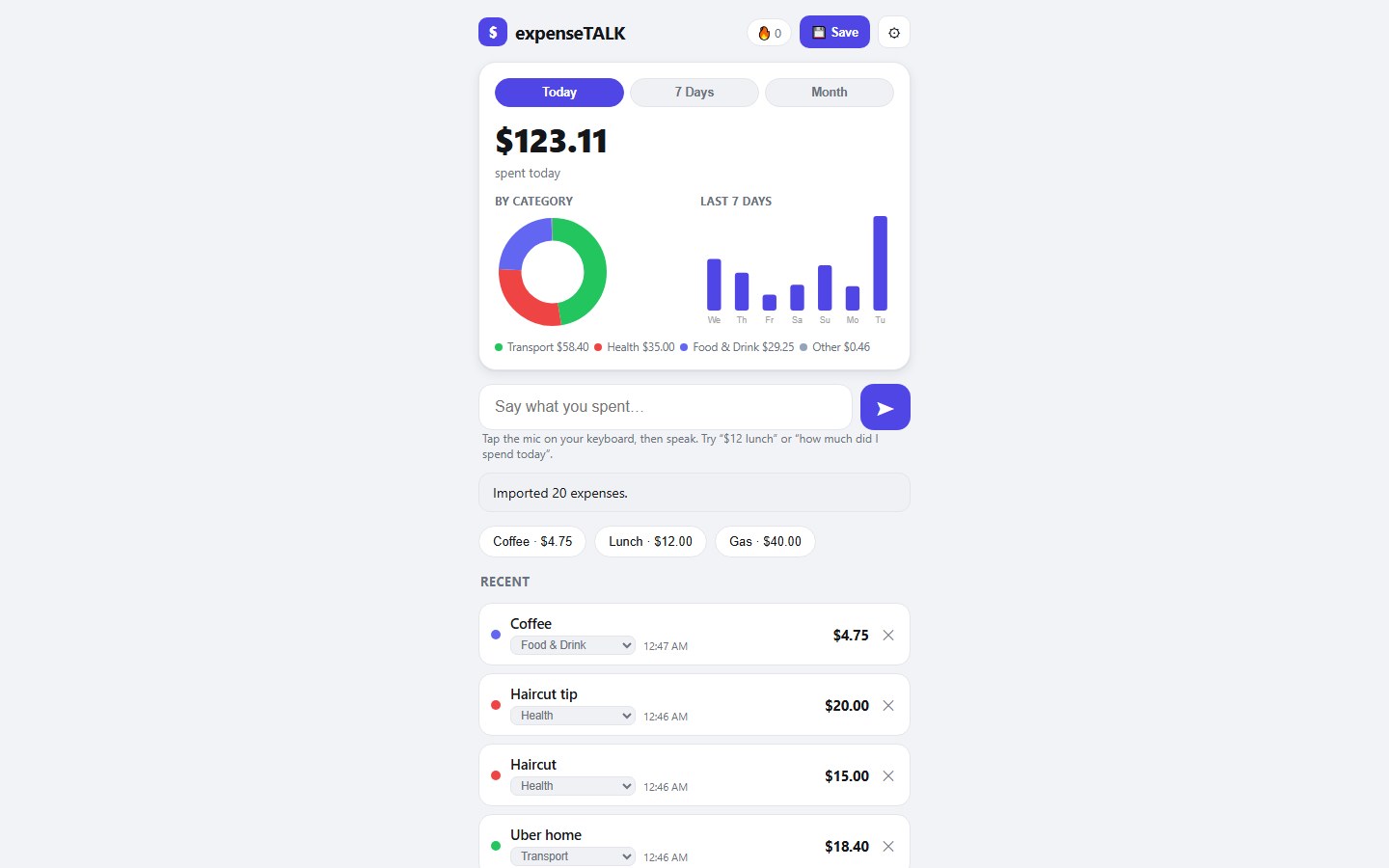
What you get: one file, expenseTALK.html (about 58 KB), that opens in your web browser. Nothing to install, and no internet connection needed: it loads nothing from the web. Laid out for a phone-size screen; in a computer's browser it shows as one centred column. Tested in Google Chrome on a computer, at phone and desktop widths.
Quick start: 1. Save the file somewhere you will find it again (for example Documents) and double-click it. 2. Click the box "Say what you spent…", type or dictate something like "$5 coffee" and press Enter. 3. Ask "how much did I spend today?". 4. If a category is wrong, pick the right one in that entry's menu. 5. Press Save now and then to keep a CSV backup.
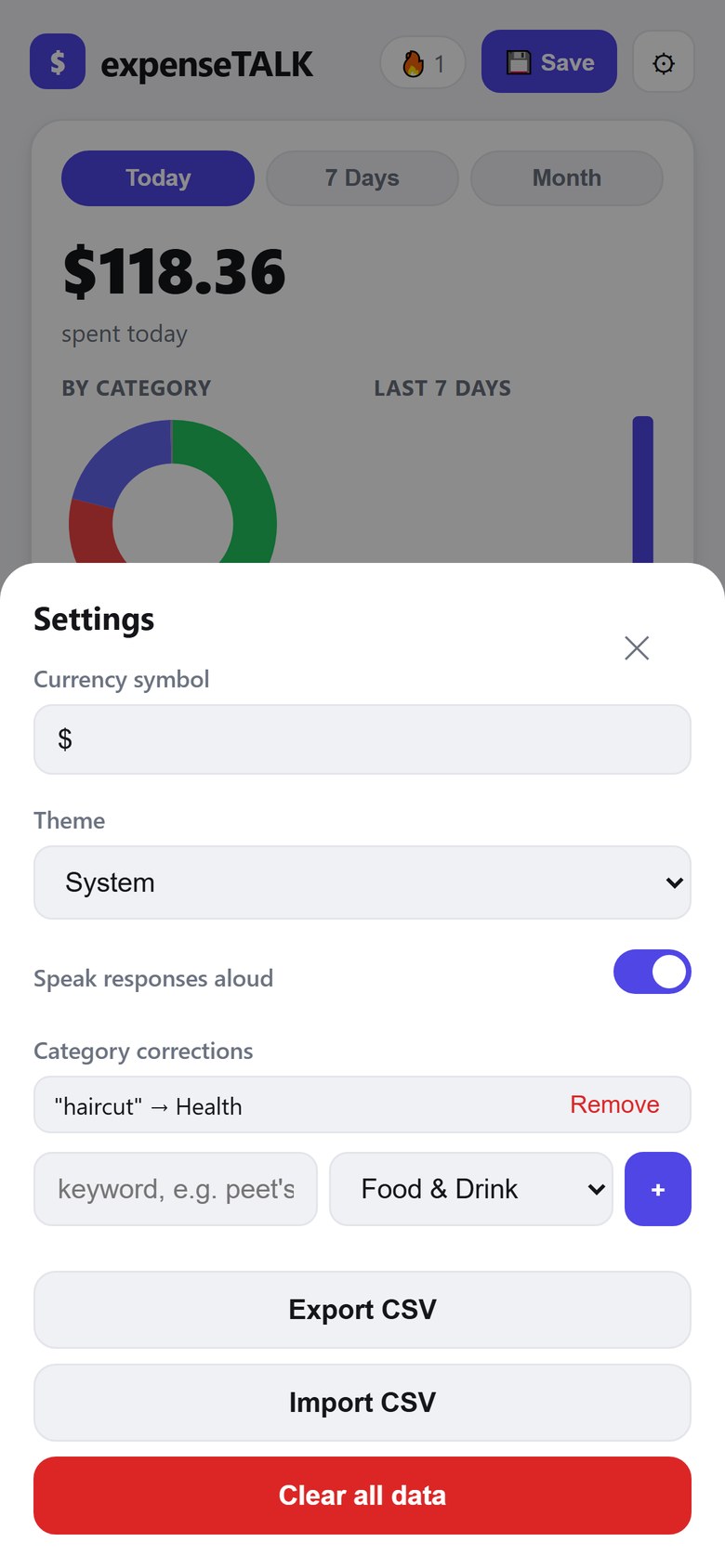
Good to know: expenseTALK does not listen by itself: it reads the words your device's dictation types into the box. Each amount is logged at the moment you enter it (there is no date field), in one currency symbol. Your data is kept in the browser you use: use Save (CSV) regularly, and Settings > Import CSV to move it to another browser or computer. Whether a downloaded .html file opens on a phone depends on the phone; it has not been tested on a real phone.