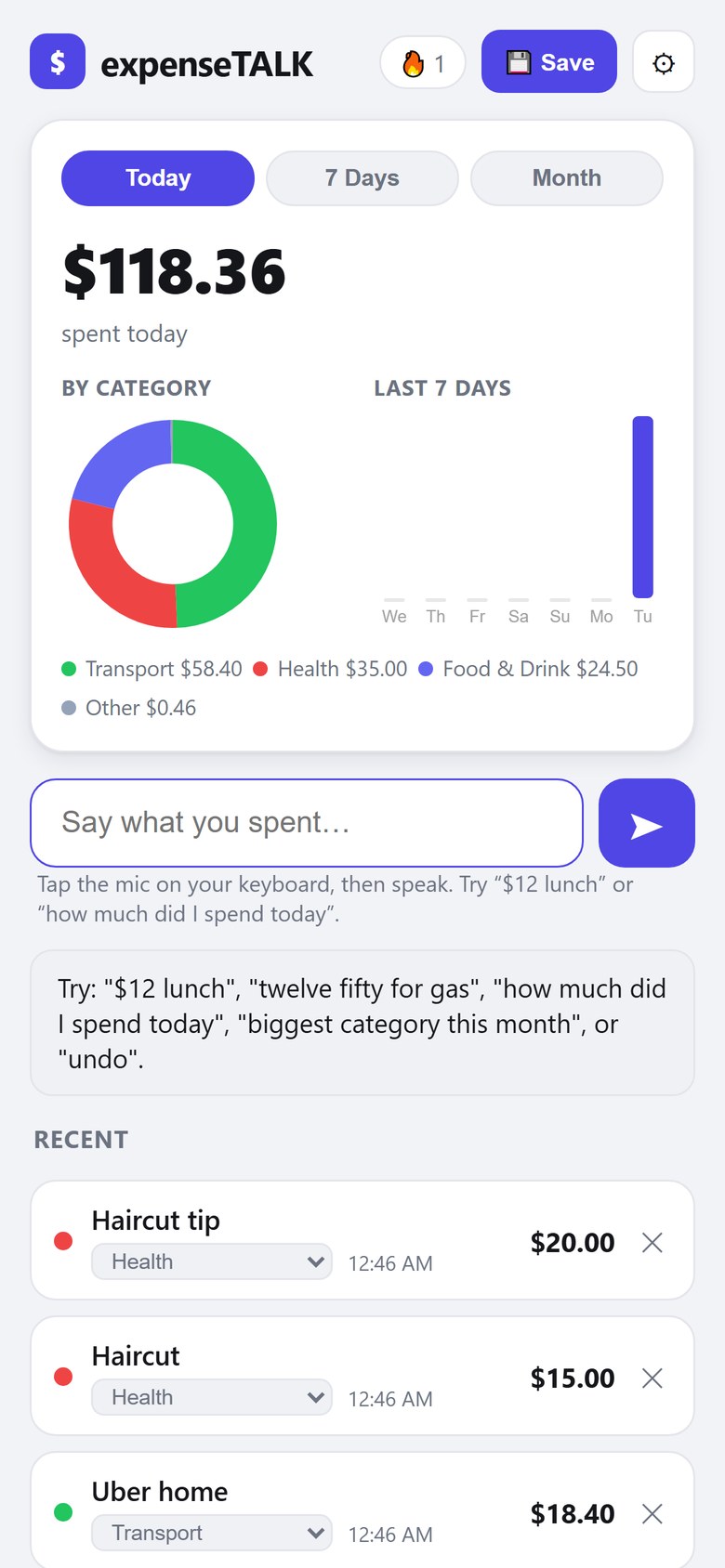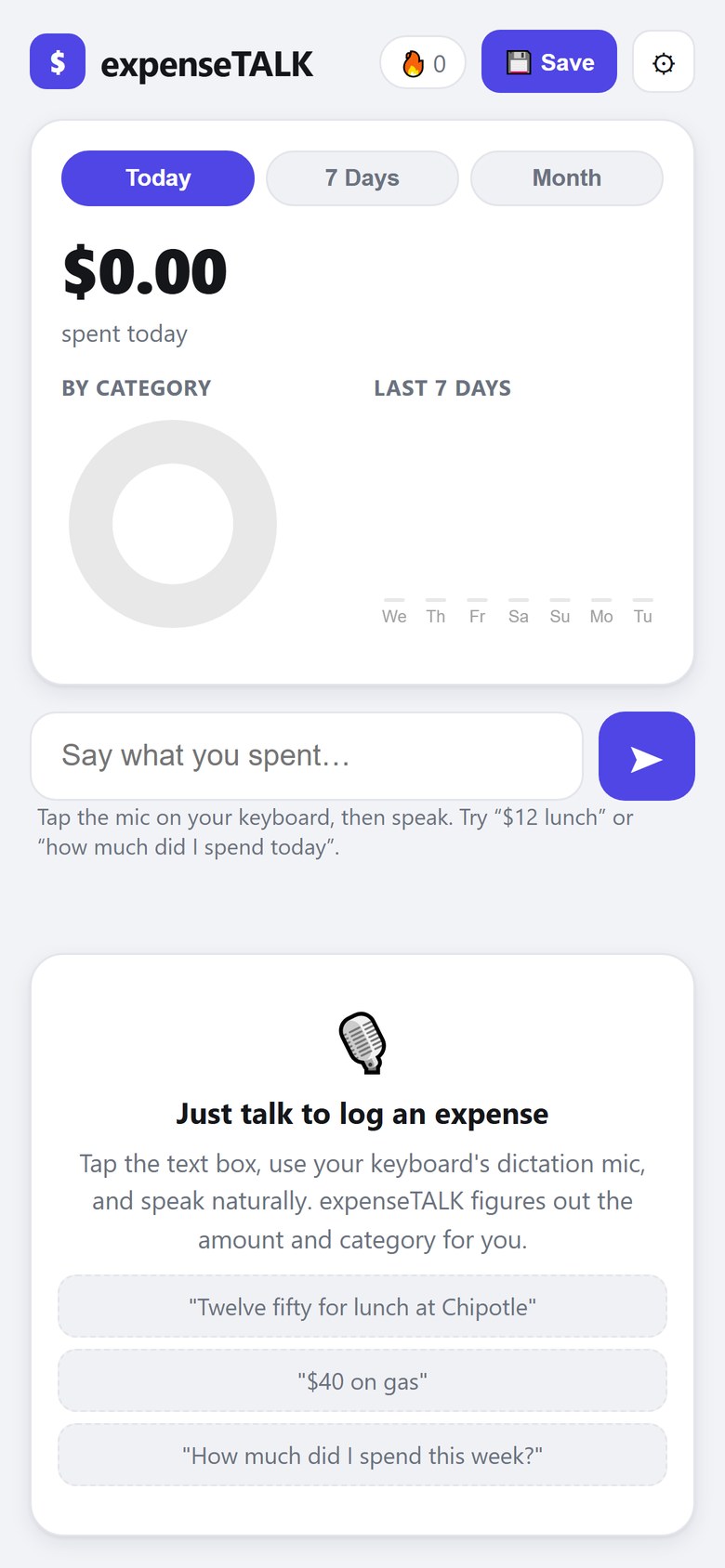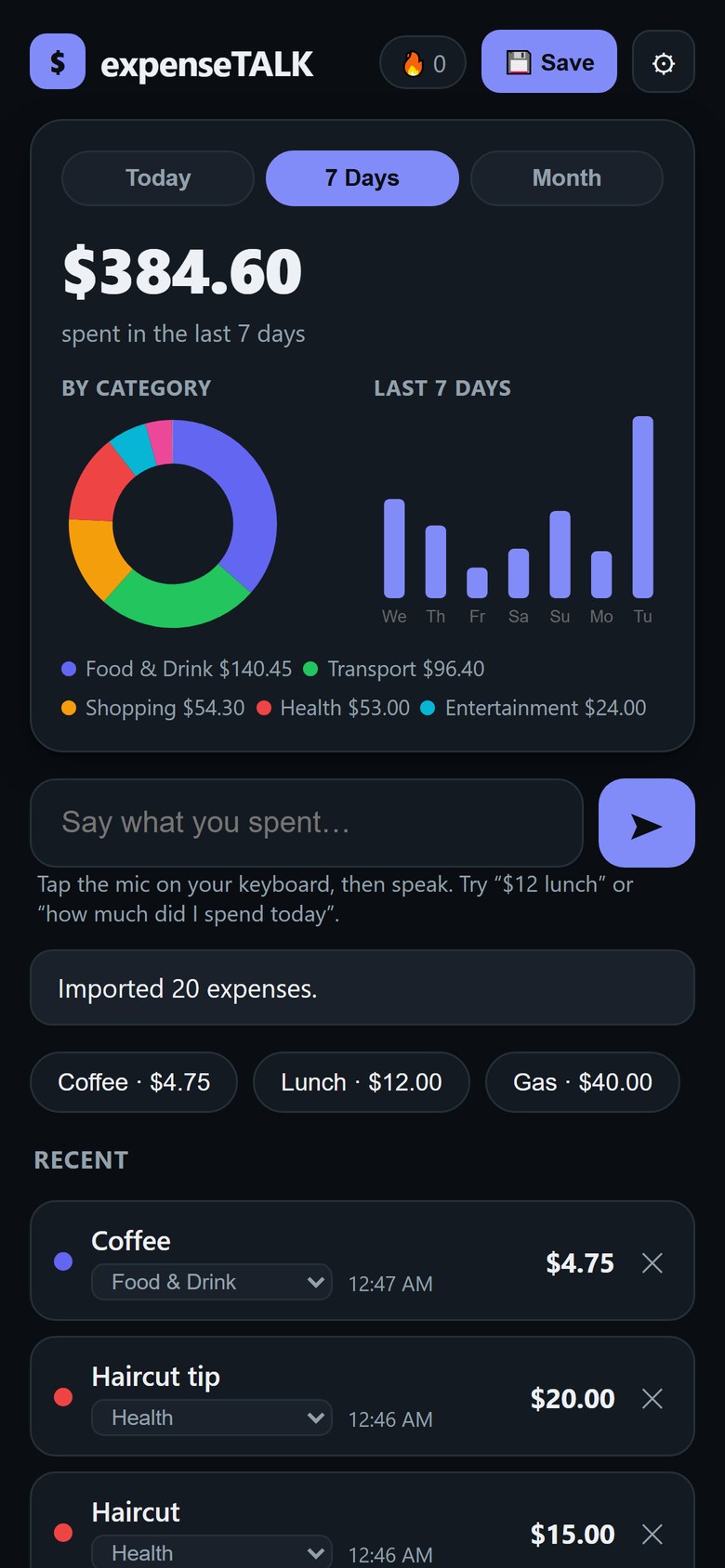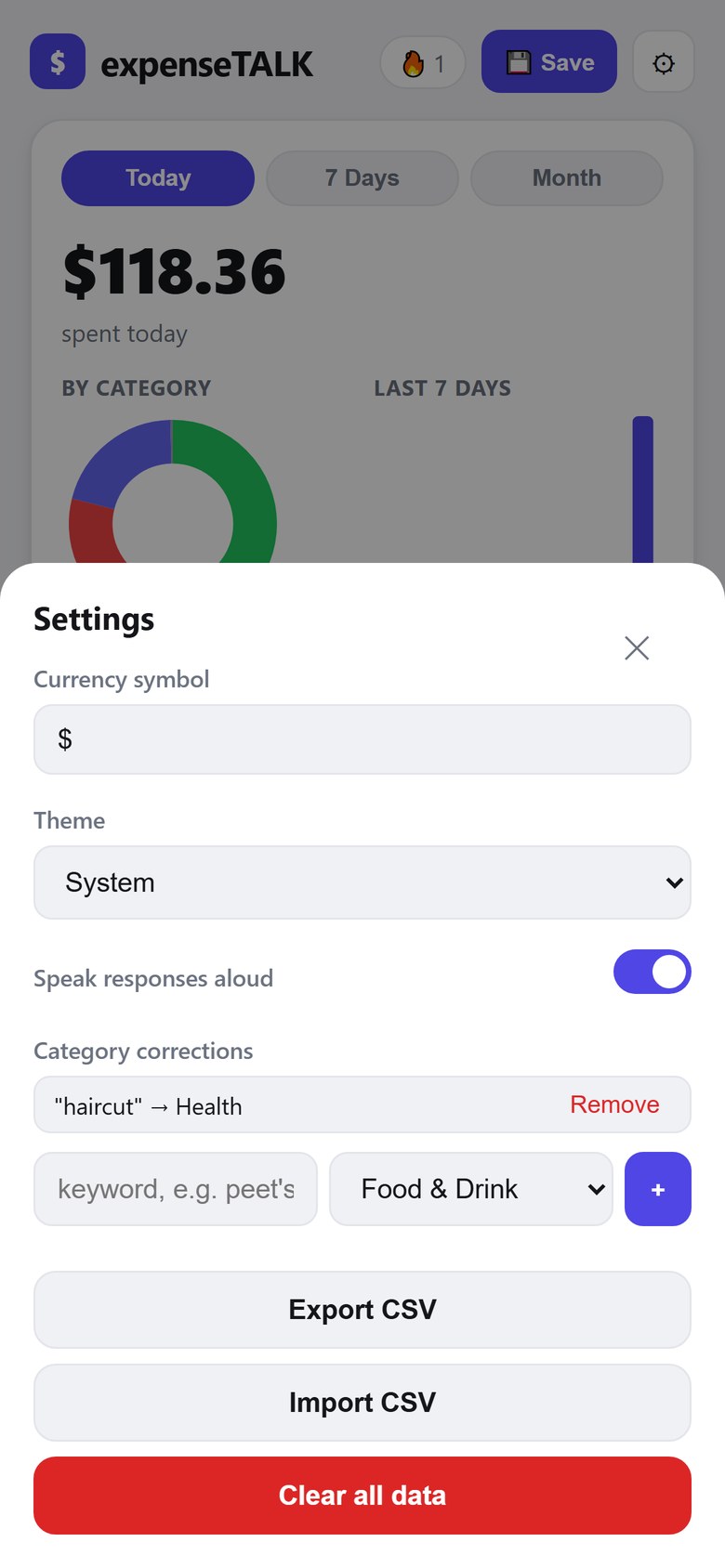
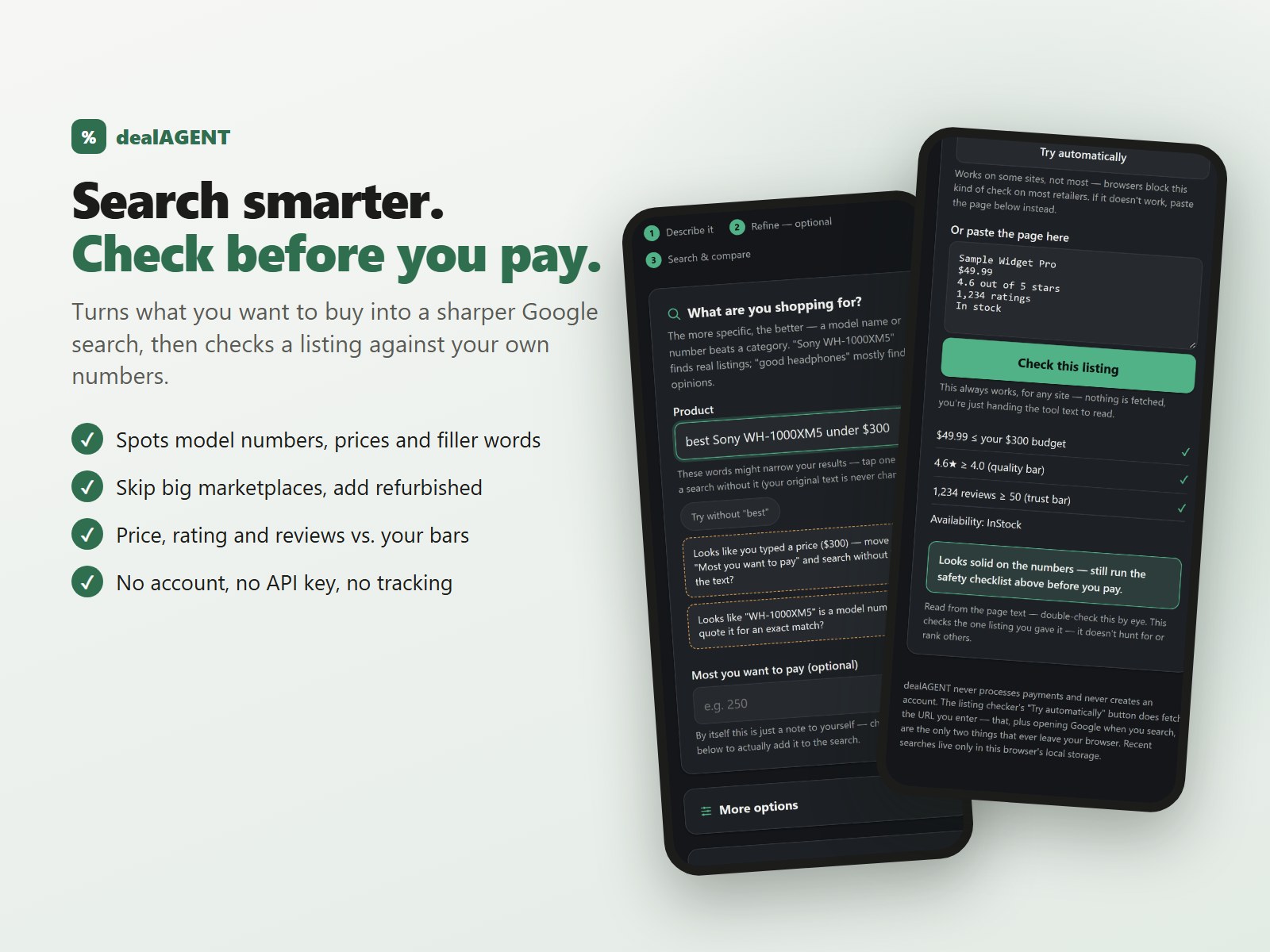
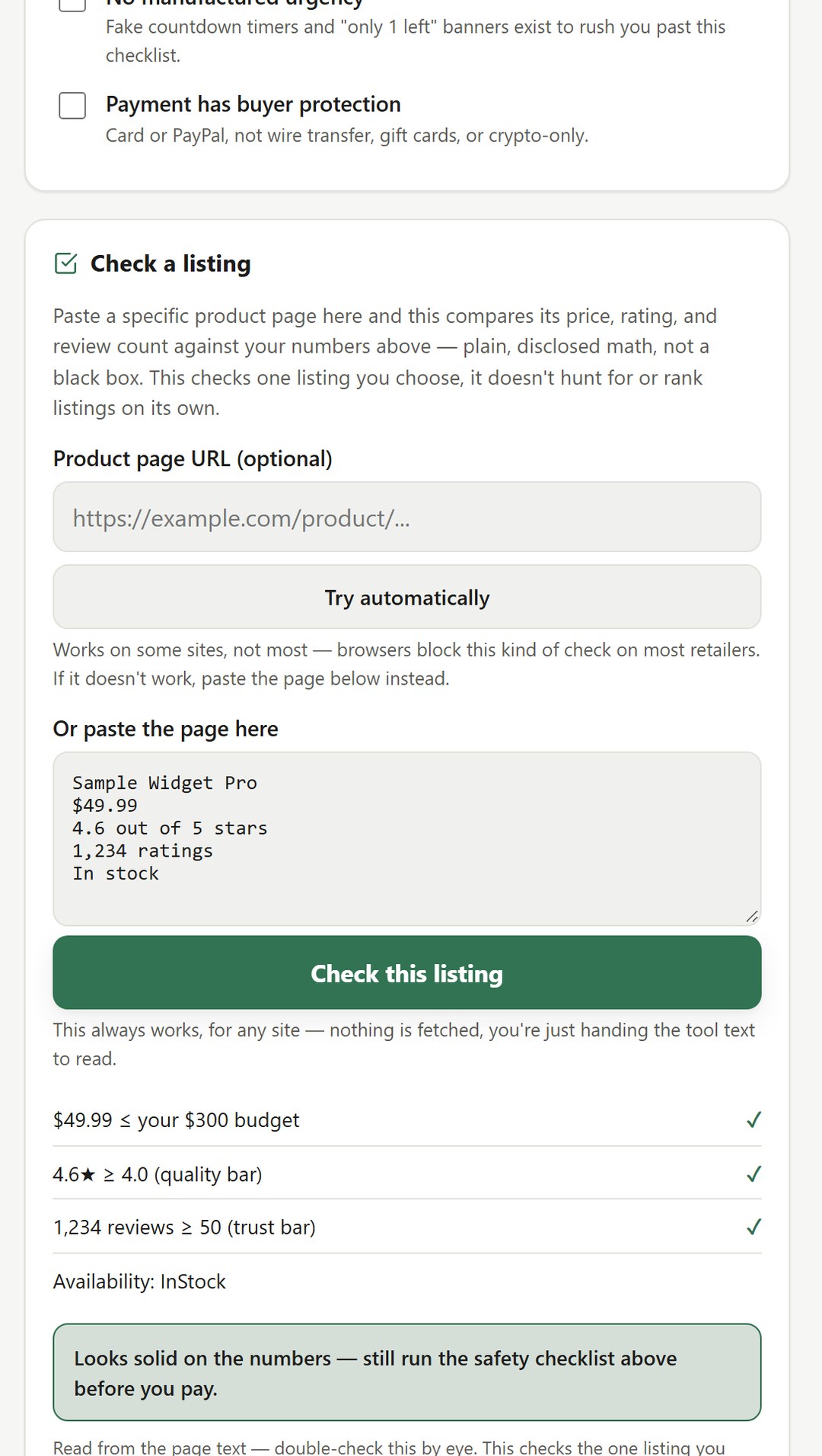
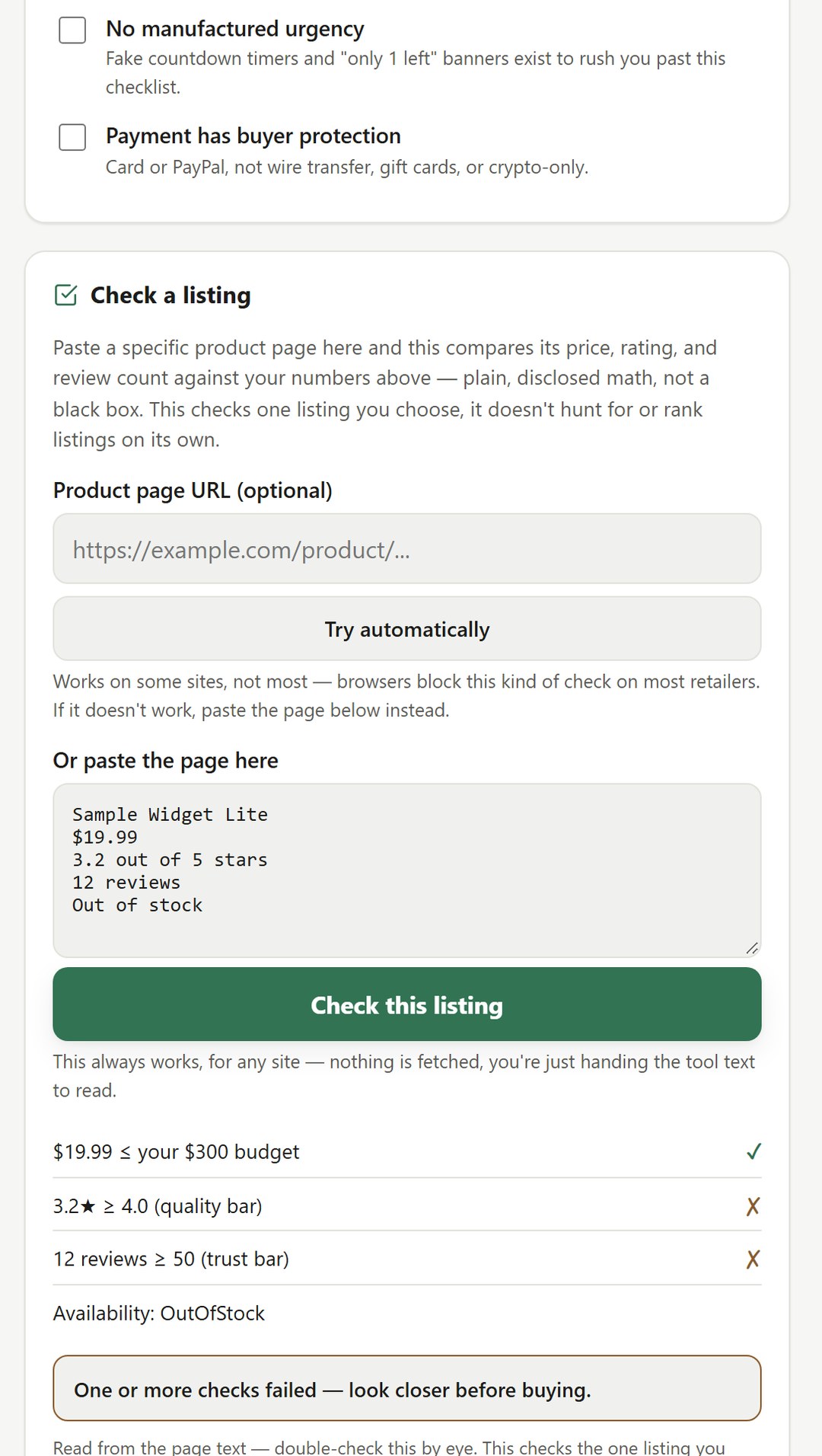
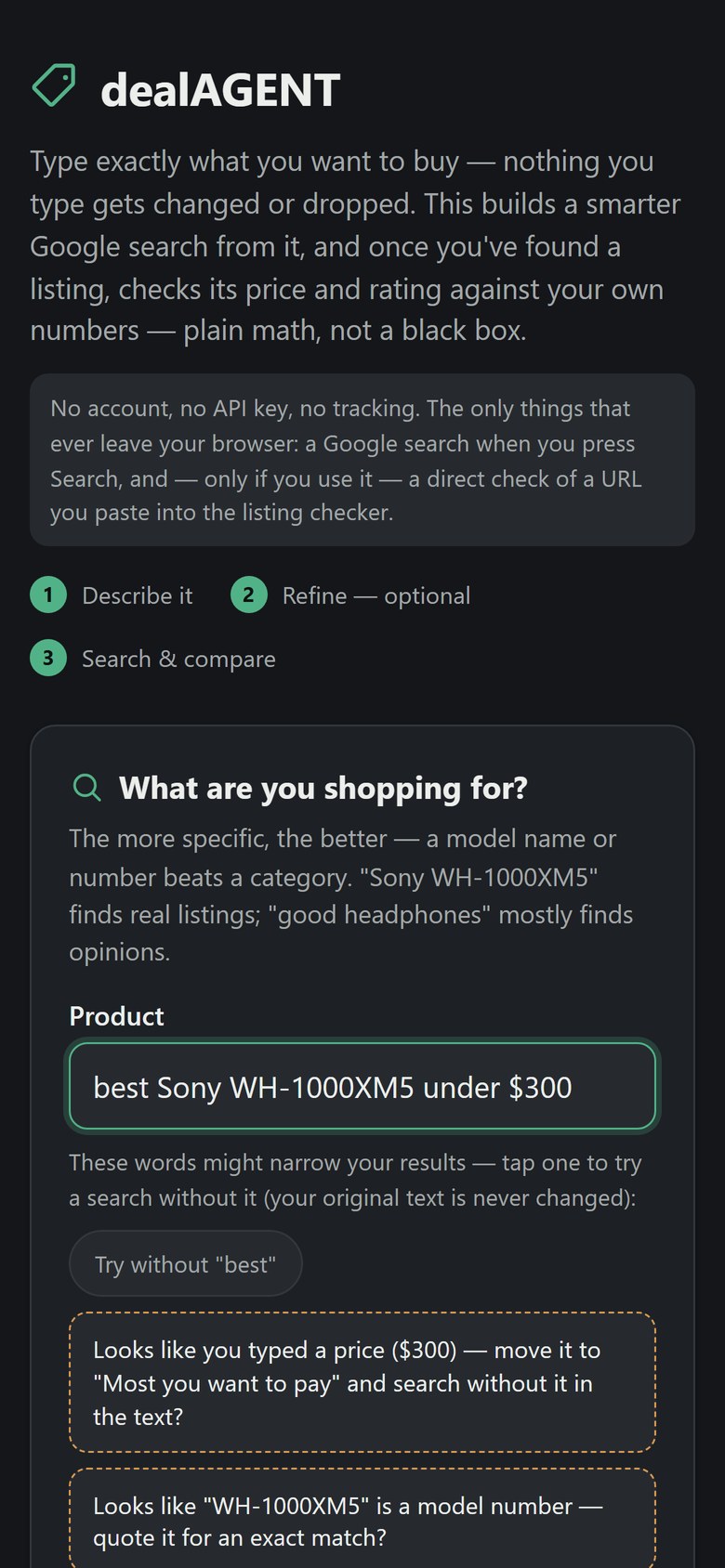
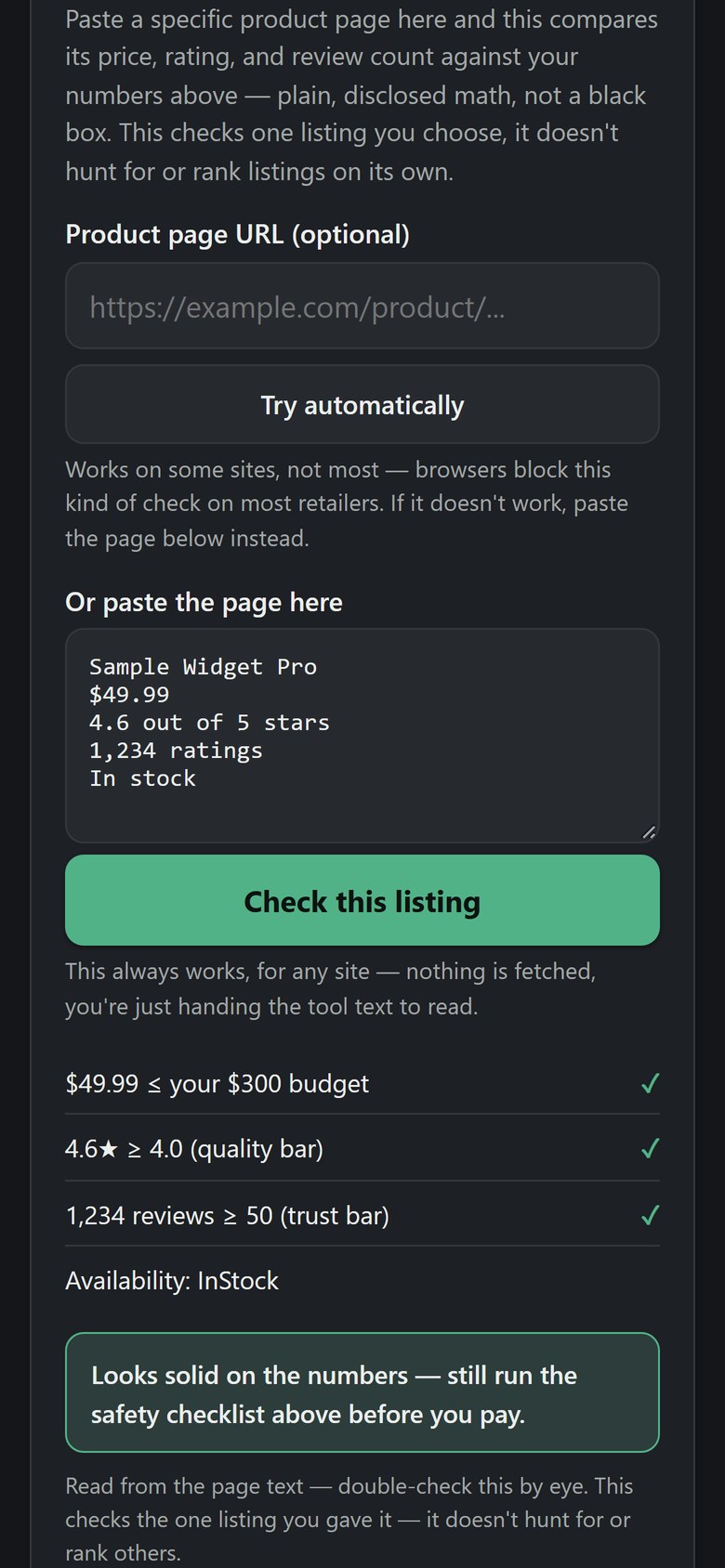
What you get: one file, dealAGENT.html (about 42 KB), that opens in your web browser. Nothing to install. Building a search and checking a pasted listing work without an internet connection; the Google search itself needs one. Laid out for any screen width. Tested in Google Chrome on a computer, at phone and desktop widths.
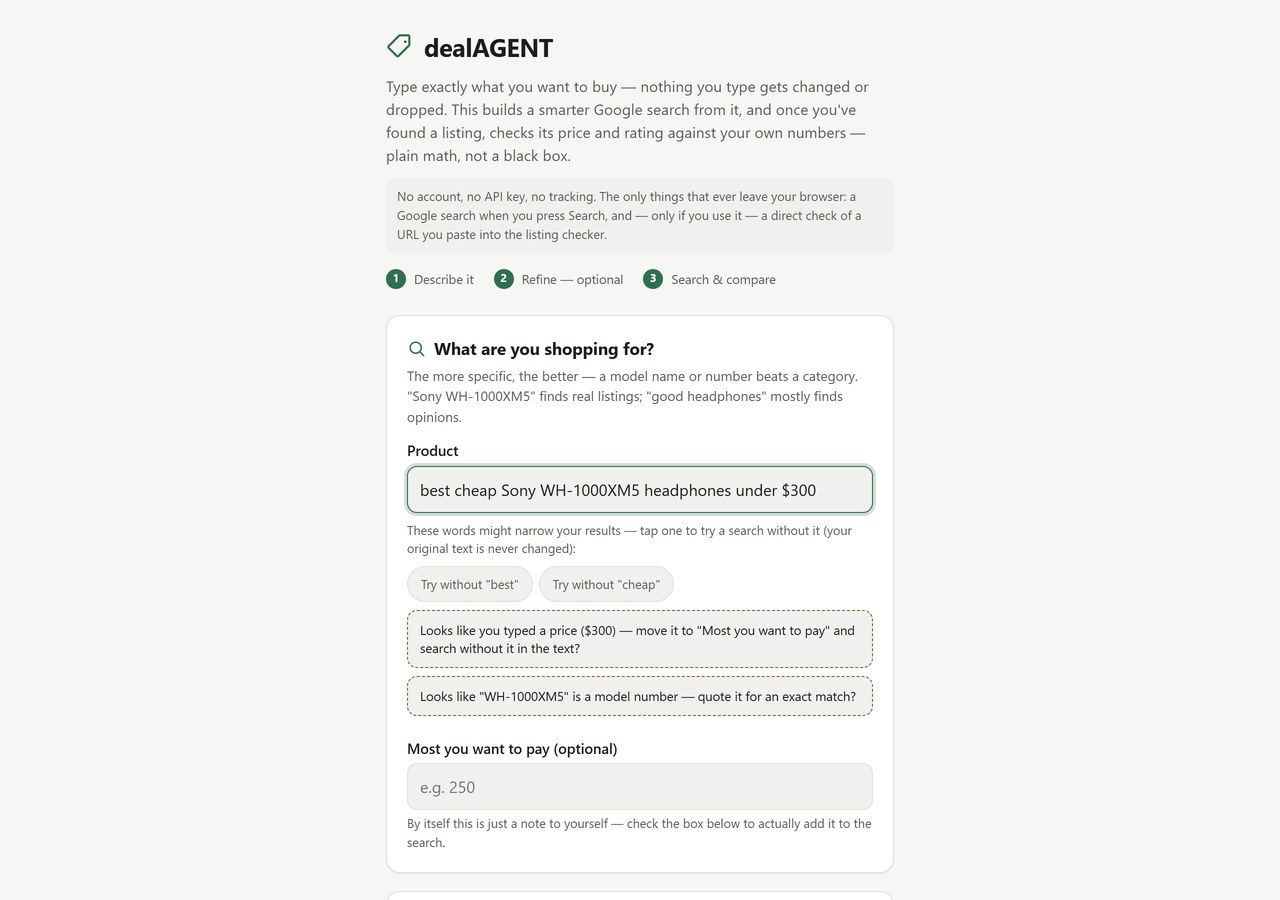
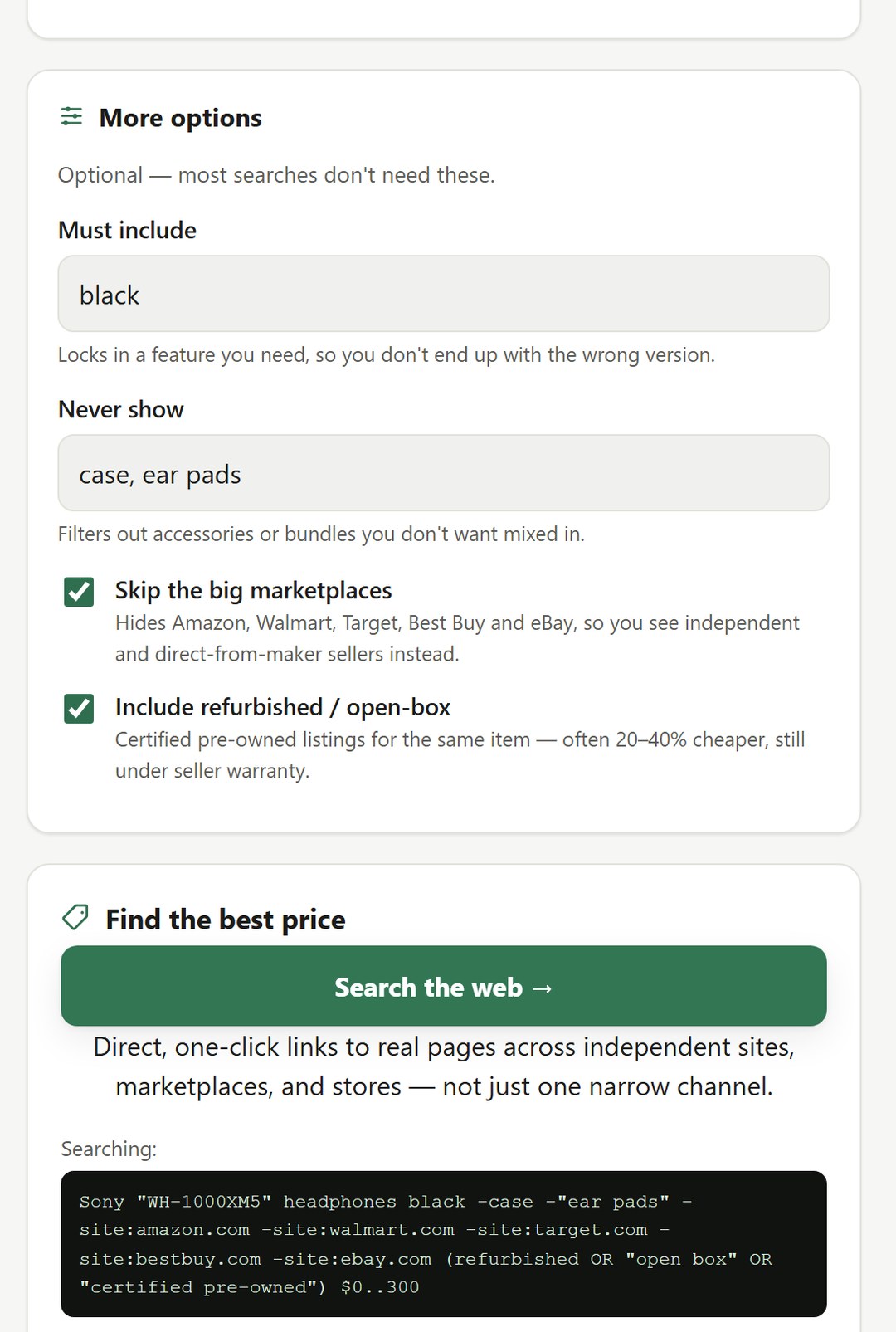
Quick start: 1. Save the file somewhere you will find it again (for example Documents) and double-click it. 2. Type what you are shopping for and tap any suggestion you like. 3. Optional: More options. 4. Press Search the web. 5. On a listing you like, copy the page (or its page source) and paste it into Check a listing, then run the safety checklist.
Good to know: it does not search shops or compare prices by itself: it builds the Google search and checks the one listing you give it. "Try automatically" fetches a product address directly, but most shops block that from a browser (the app says so); pasting always works. The rating and review bars (4.0 stars, 50 reviews) are fixed. Google's price filter works on some results, not all. Recent searches are kept only in the browser you use.